01
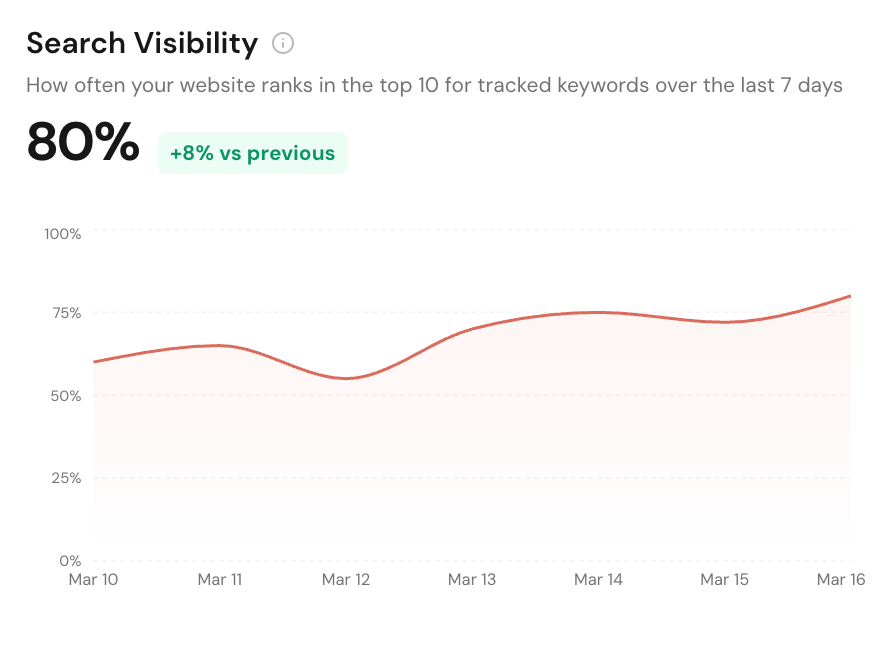
Search Visibility Score
See the percentage of tracked keywords where your site ranks in Google's top 10, plus keywords in the top 3, top 10, top 50, and not found.
Track local keyword rankings, rank changes, and competing domains in Google search. See where you rank, how it’s changing, and who’s outranking you.
Features
See the percentage of tracked keywords where your site ranks in Google's top 10, plus keywords in the top 3, top 10, top 50, and not found.
See exactly which URL Google matched for every tracked keyword so you know whether your homepage, service page, or blog post is winning the click.
Track where each keyword started, the best position it has ever reached, the latest rank, and the net movement so ranking wins and drops are obvious.
Track the same keyword on desktop or mobile and compare how Google's result mix changes by device for the searches that matter locally.
Set daily, weekly, or monthly SERP scans for every keyword and store the schedule in your own local timezone so rank tracking stays hands-off.
Get one table with keyword, device, latest rank, best rank, first rank, change, auto-scan status, and last updated time across the whole project.
Open any tracked keyword to see how its rank moved over the last 7, 30, 90, or 365 days and catch volatility before traffic starts slipping.
Inspect the actual organic results Google returned for a scan, including ranking position, title, displayed link, and whether the result belongs to your domain.
See which domains keep appearing for your keyword set, how often they show up, their average rank, and which search terms they compete on.
Prioritize the domains putting the most pressure on your visibility with a composite threat score based on authority, keyword coverage, and appearance frequency.
Benchmark your domain against the strongest sites in the SERP so you can tell whether content updates alone will help or authority building is the real blocker.
Surface the keywords where your domain disappears from the top 50 so you can recover lost rankings before those searches become missed leads.
Platform Features
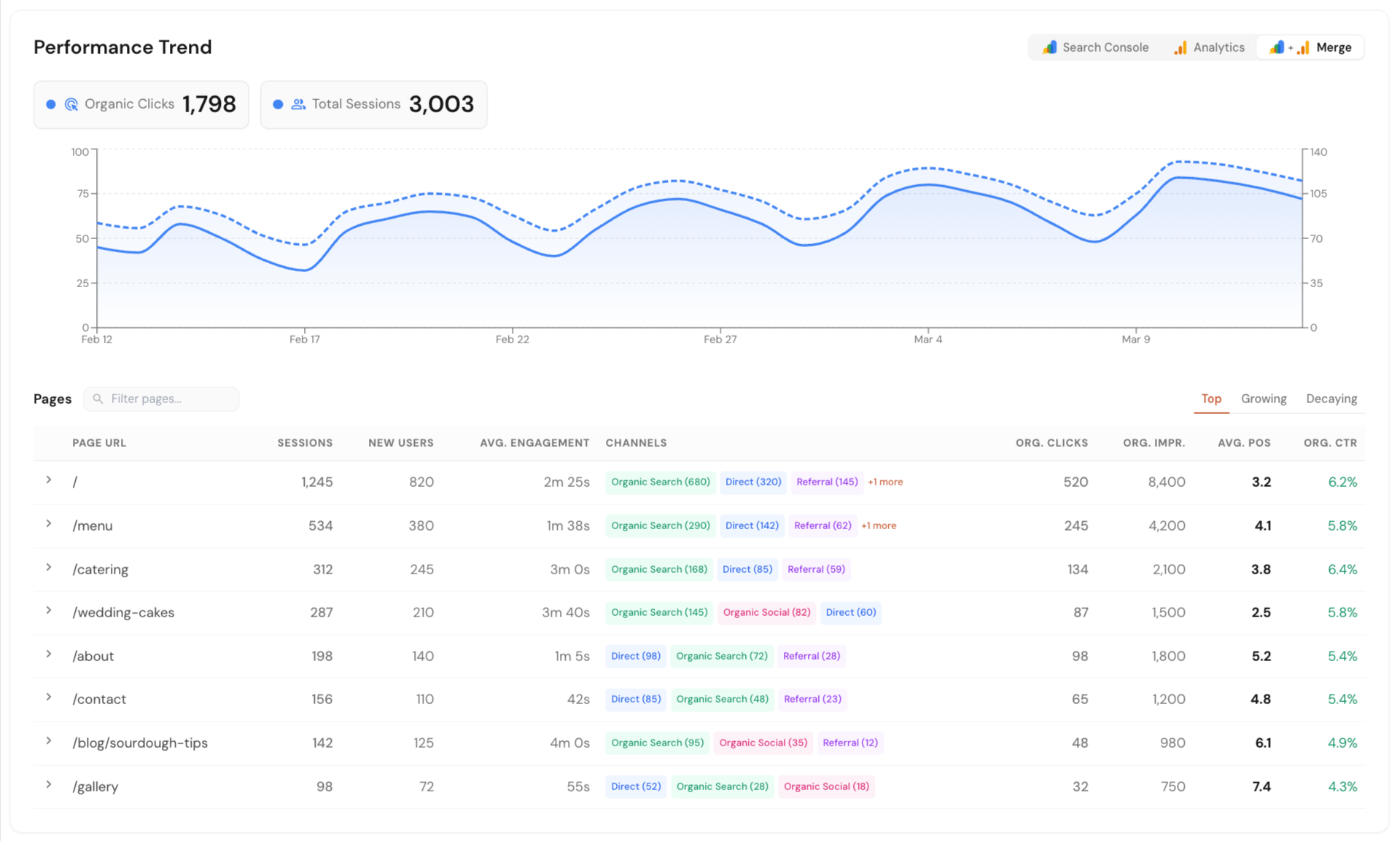
Connect Google Search Console, Google Analytics, and Google Business Profile in one dashboard. See local SEO data in one place without jumping between tools or reports.
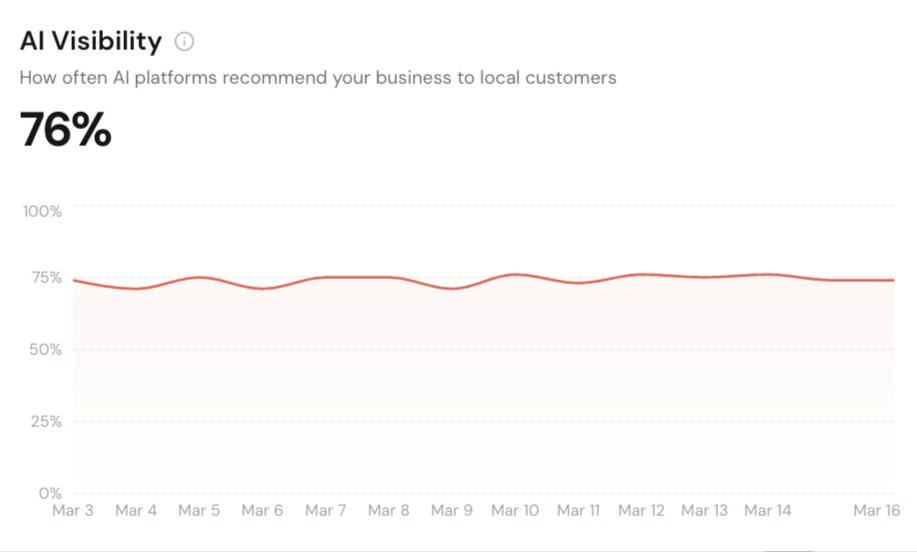
Track how your business shows up across Google AI Overview, ChatGPT, and Perplexity. Run scans on your schedule or only when needed.
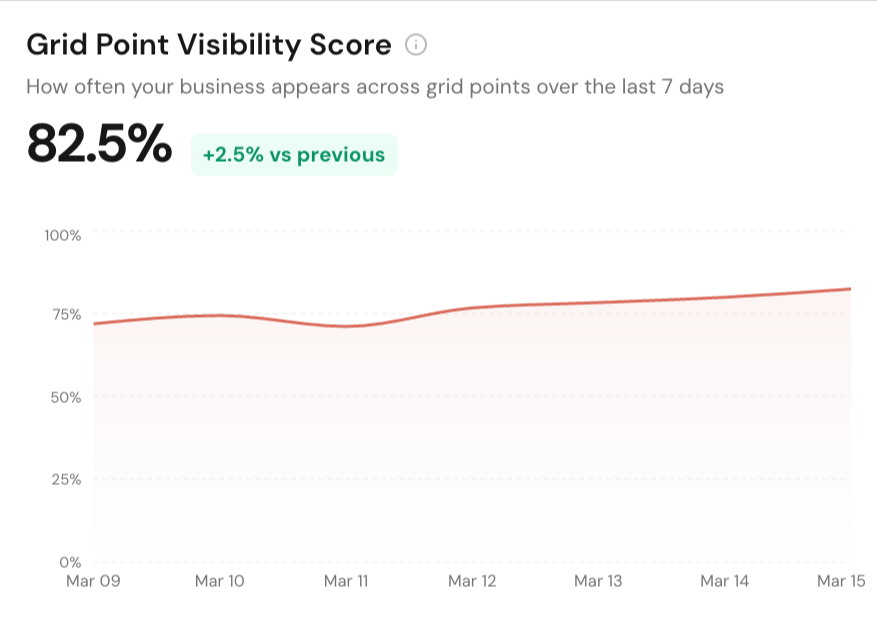
See how your business ranks across different points in a local area. Get clear map ranking snapshots with simple reports you can export and share.
Track local service pages, blog posts, and keywords in Google Search. Monitor rankings, matched URLs, and competing domains from one dashboard.
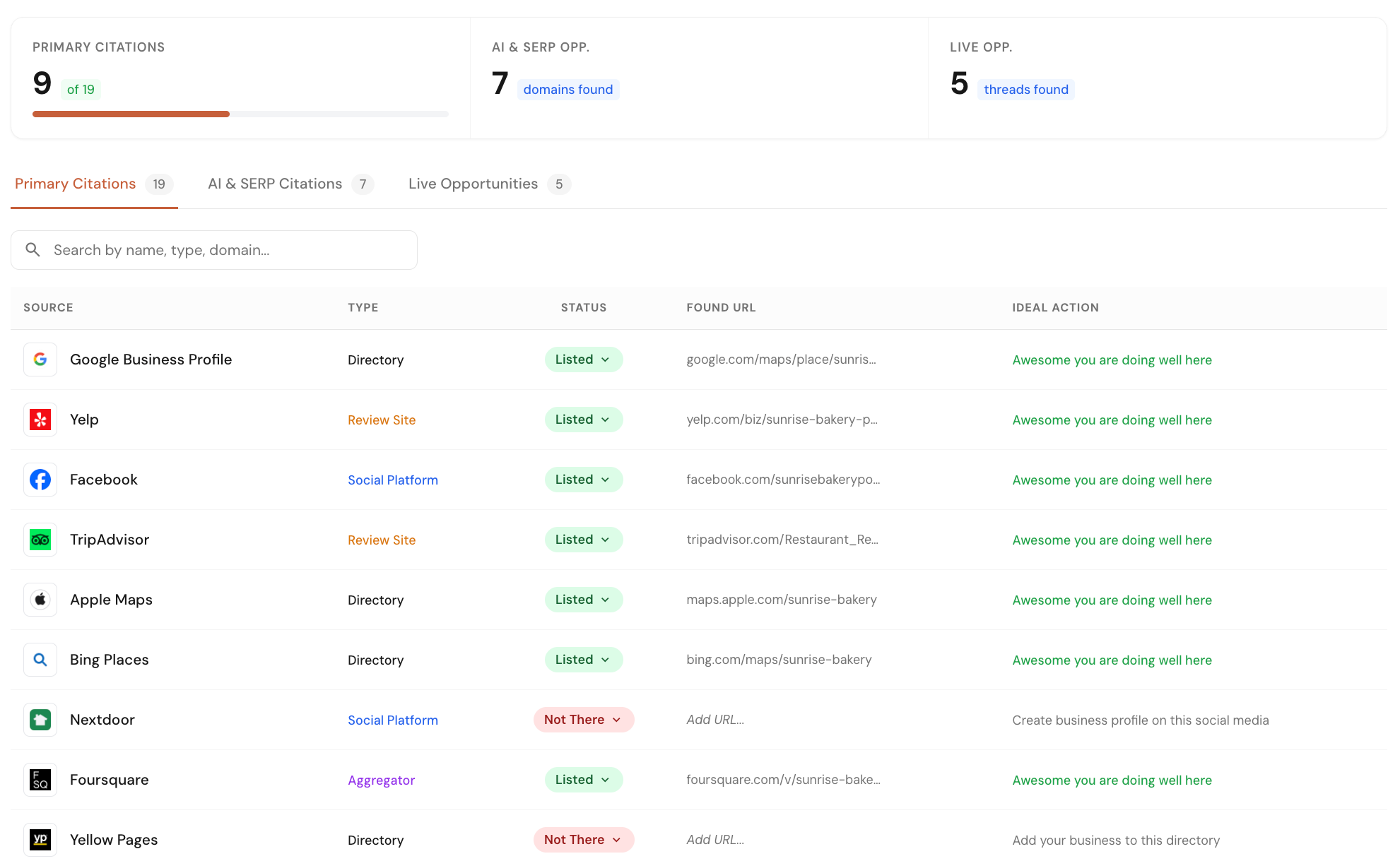
Check your business listings across 40+ core directories and map platforms. Find missed opportunities from listings, forums, and pages where competitors are already getting visibility.
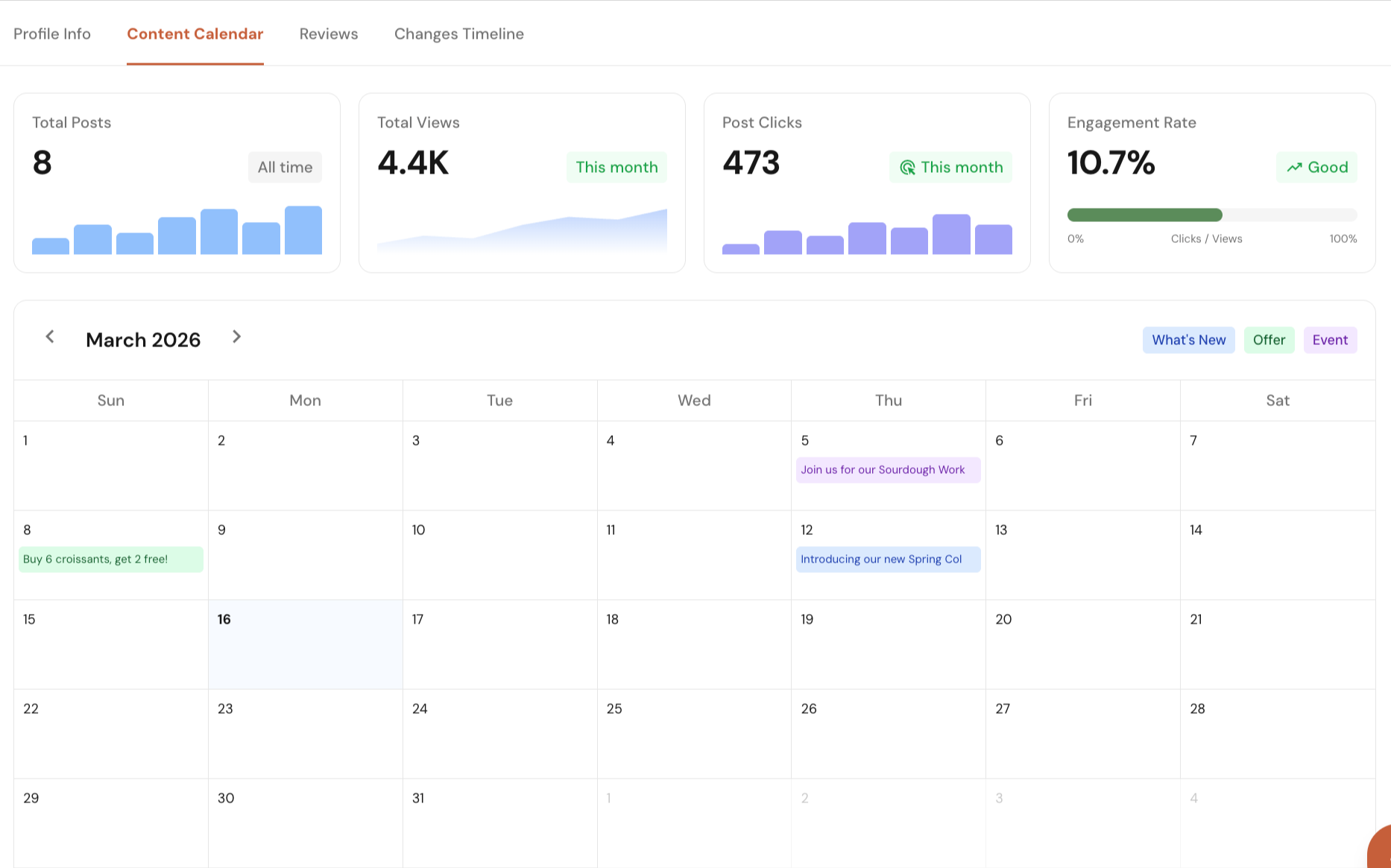
Manage your Google Business Profile directly from Local Glyph. Edit profile details, plan and schedule posts, track post performance, reply to reviews, and monitor profile changes with single-click approvals.
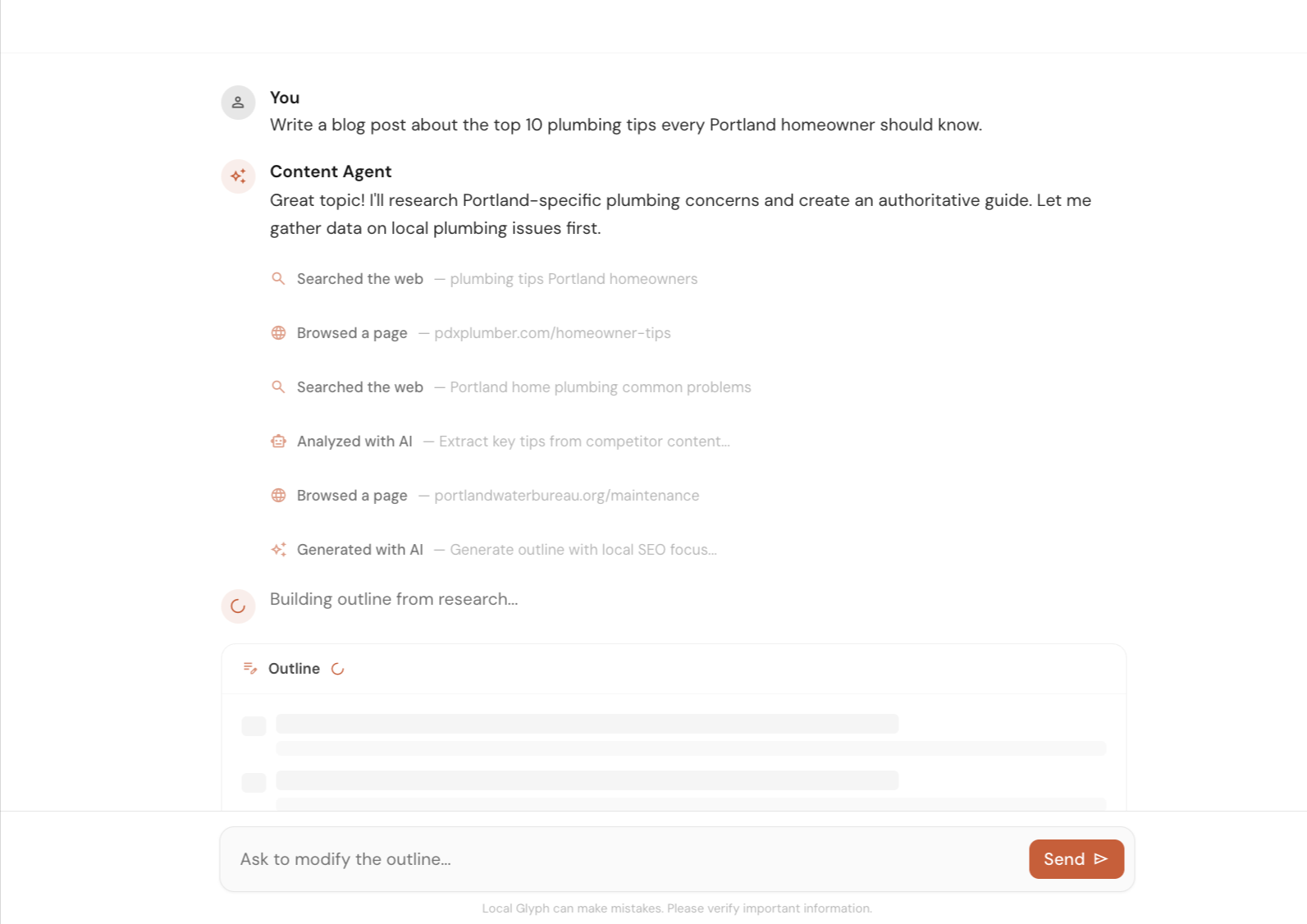
Create local SEO content faster with help on research, outlines, and first drafts. Use it to speed up the work, then let a human review and improve the final version.
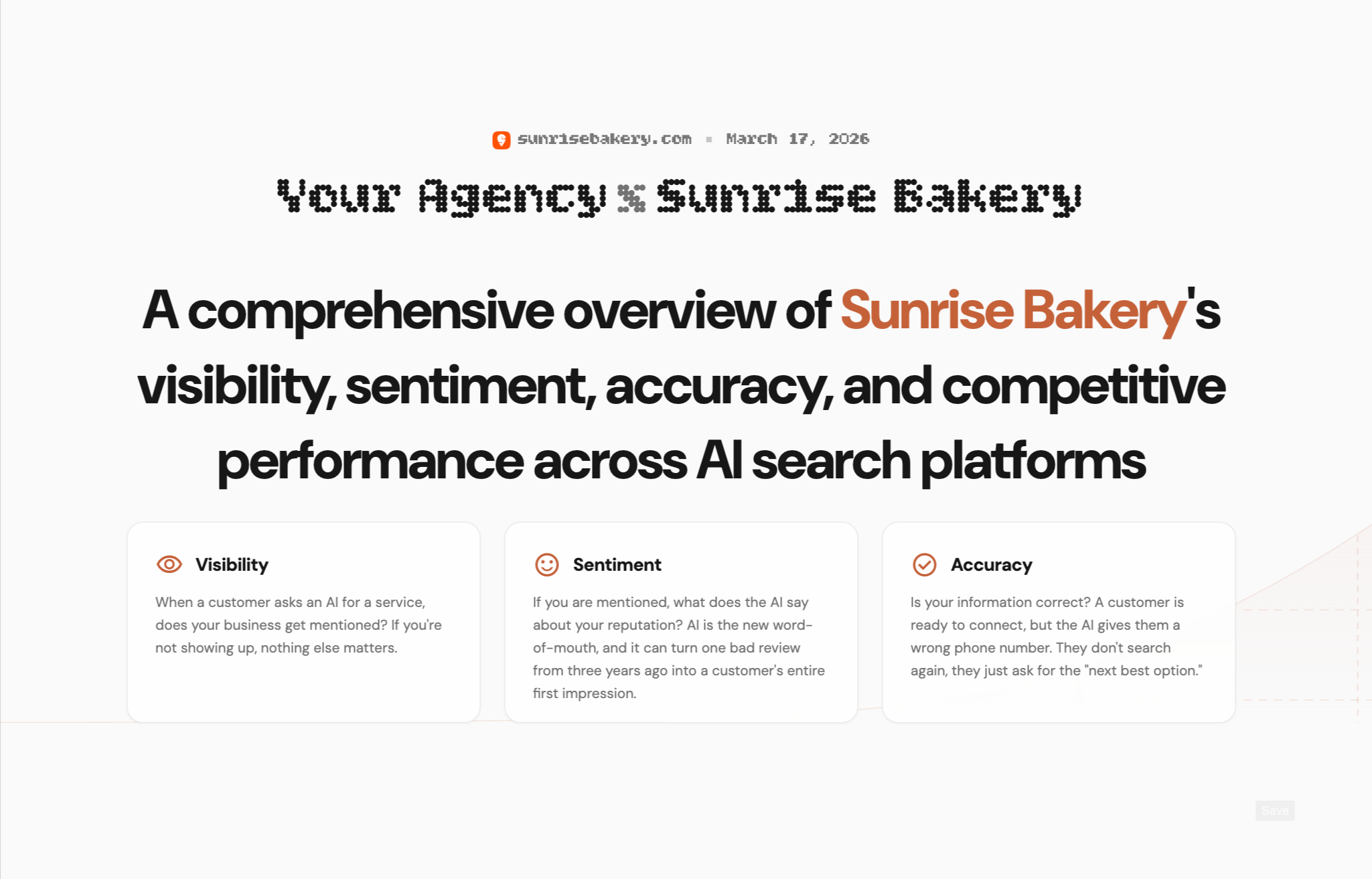
Create client-ready reports for AI Visibility, Map Grid, and SERP Rank. Show where a business stands today, highlight gaps, and clearly explain where you can help improve local search performance.
Early Bird Pricing
Free$0/mo | Starter Pack$45/mo | Popular Growth Pack$175/mo | Pro Pack$500/mo | |
|---|---|---|---|---|
| Credits | 30 one-time | 30 / mo | 120 / mo | 350 / mo |
| AI Visibility scan (3 credits) | ||||
| Map Grid tracking (~0.30 cr per scan) | ||||
| SERP tracking (0.02 cr per keyword) | ||||
| Content Agent (~0.6–1.3 cr per article) | ||||
| Citation & Mention Finder (no credit cost) | ||||
| GBP Suite (no credit cost) | ||||
| Analytics (no credit cost) | ||||
| Unlimited projects | ||||
| White-label reporting | — | |||
| Credits roll over (1 month) | — | |||
| Get started for free | Get started for free | Get started for free | Get started for free |
FAQs
It tracks how your website ranks in Google Search for the keywords you care about. You can see the latest position, best historical rank, first recorded rank, ranking change, matched URL, and the competing domains showing up alongside you.
Yes. Each SERP keyword can be tracked on desktop or mobile so you can monitor device-specific result pages instead of assuming both behave the same way.
Yes. You can enable auto-scans and run them daily, weekly, or monthly. Schedules are stored with timezone-aware settings so recurring scans stay predictable for each project.
Yes. Local Glyph stores the matched URL for each keyword so you can see whether the winning page is the one you expected, or if Google is ranking the wrong page for that intent.
Yes. The SERP tracker shows competing domains, visibility percentage, average rank, keyword overlap, and a threat score so you can quickly see who is actually taking your search demand.
Email us at [email protected] or use the chat icon in the bottom-right corner of the screen. We genuinely appreciate your feedback.