01
Google Insights, Unified
Connect Google Analytics, Search Console, and Business Profile in one place. See your traffic, rankings, and local engagement side by side with no tab switching.
See traffic, rankings, and local engagement in one place. Built for teams that want Google Analytics, Search Console, and Business Profile data to behave like one product.
Features
Connect Google Analytics, Search Console, and Business Profile in one place. See your traffic, rankings, and local engagement side by side with no tab switching.
Track how much traffic ChatGPT, Perplexity, Gemini, Claude, and other AI platforms send to your site and see which landing pages they drive visitors to.
See your keywords grouped by position bands and get alerted when new keywords enter your top 10 with before-and-after position changes.
Find your best-performing pages split by Organic Search, AI Platforms, and Google Business Profile with clicks, impressions, and CTR for each.
Understand where your traffic comes from by channel such as Organic, Paid, Social, Referral, and Direct, and by geography down to country and city level.
Toggle period-over-period comparison on any card with one click and see percentage changes in sessions, clicks, impressions, and rankings instantly.
Filter by keyword, page, country, device, channel, or source across GA4 and Search Console using a simple popover with regex support for power users.
Track calls, direction requests, website clicks, and bookings from your Business Profile and see how customers find you through Google Search or Google Maps.
Monitor your total reviews, average rating, and unreplied count, then reply to customer reviews directly from your dashboard without leaving the app.
Get notified when your Google Business Profile changes, see what was modified and when it happened, and accept or reject changes from one timeline view.
Track which of your URLs are indexed, crawled, or errored, detect status regressions early, and trigger manual indexing scans from your dashboard.
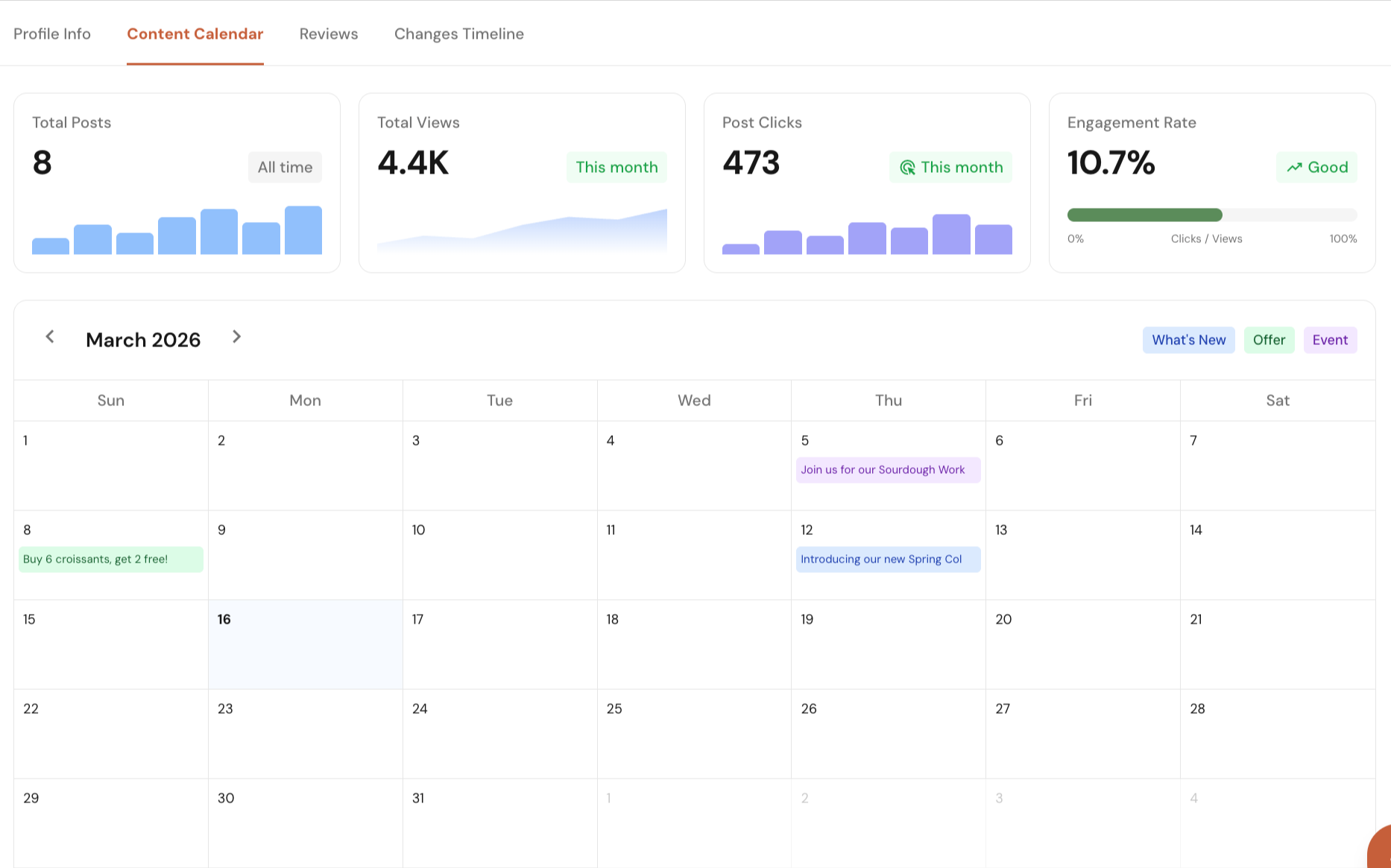
See how your Google Business Profile posts are performing with clear metrics like total posts, total views, post clicks, and engagement over time.
Platform Features
Connect Google Search Console, Google Analytics, and Google Business Profile in one dashboard. See local SEO data in one place without jumping between tools or reports.
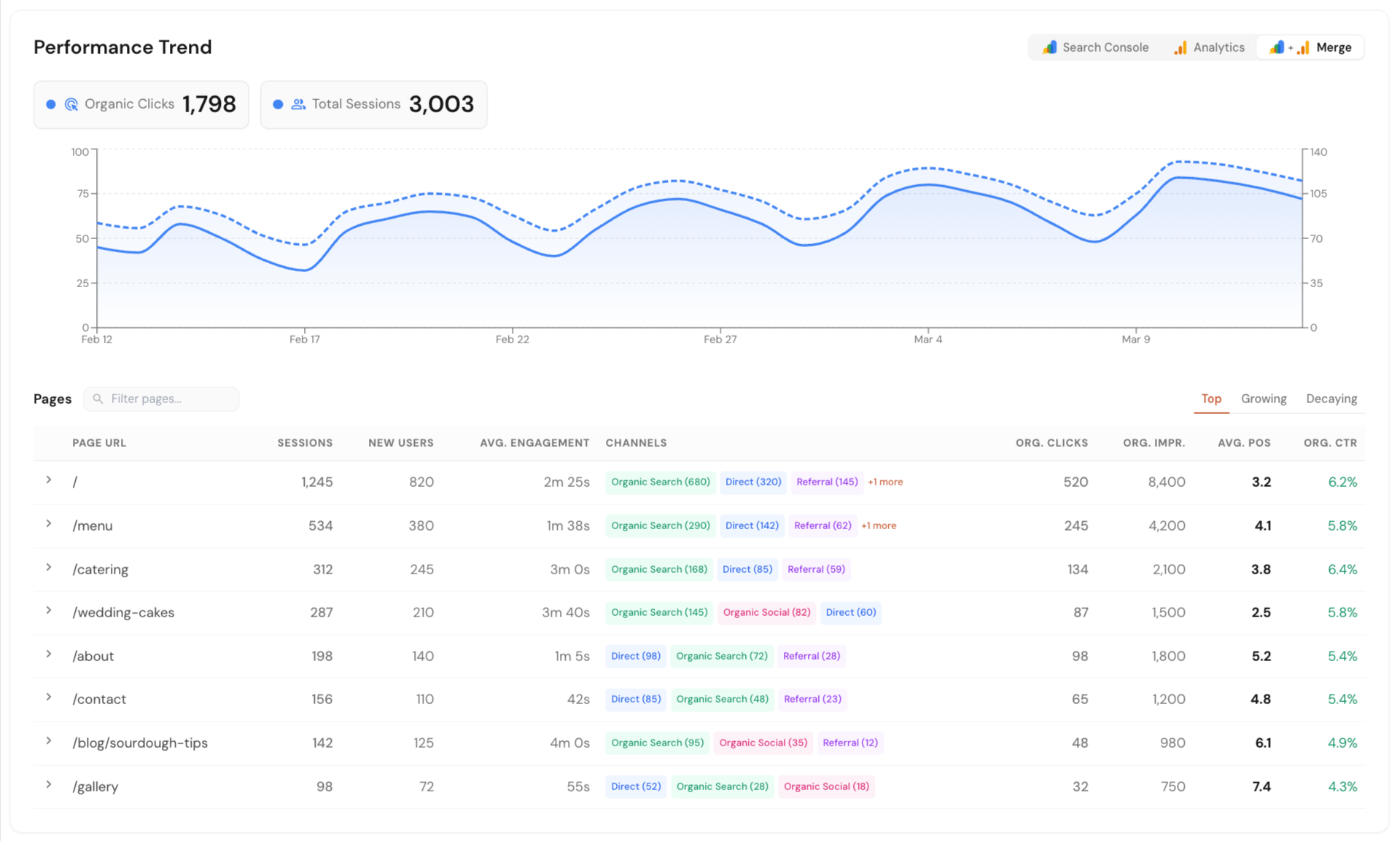
Track how your business shows up across Google AI Overview, ChatGPT, and Perplexity. Run scans on your schedule or only when needed.
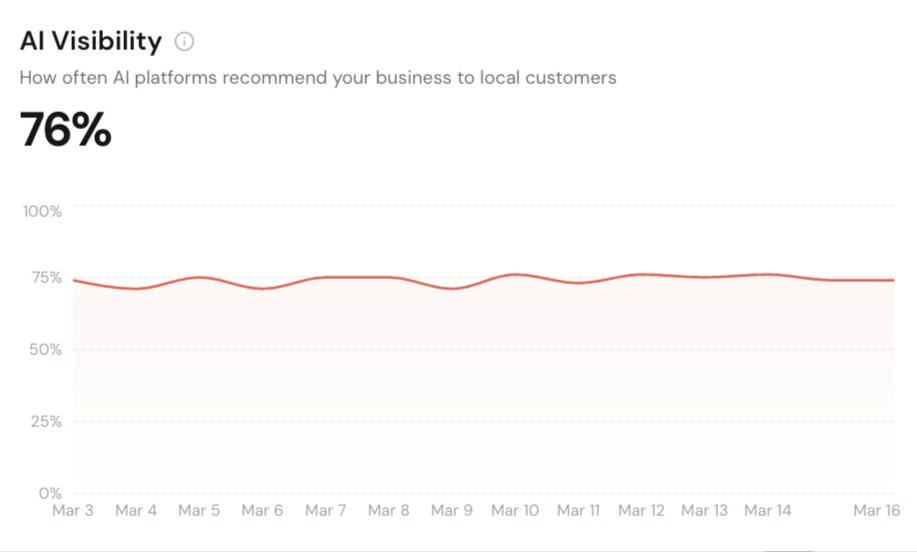
See how your business ranks across different points in a local area. Get clear map ranking snapshots with simple reports you can export and share.
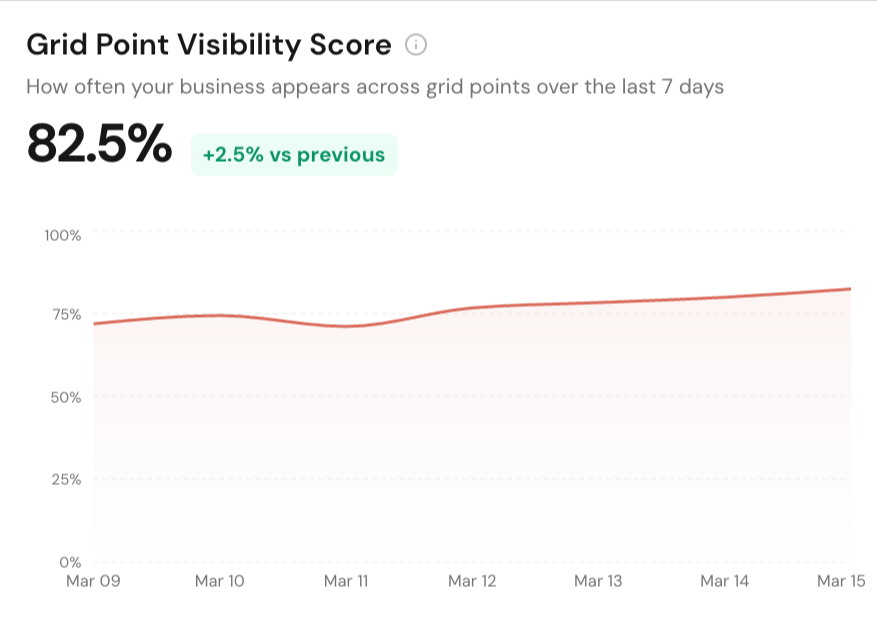
Track local service pages, blog posts, and keywords in Google search. Monitor performance, spot changes, and keep an eye on competitors.
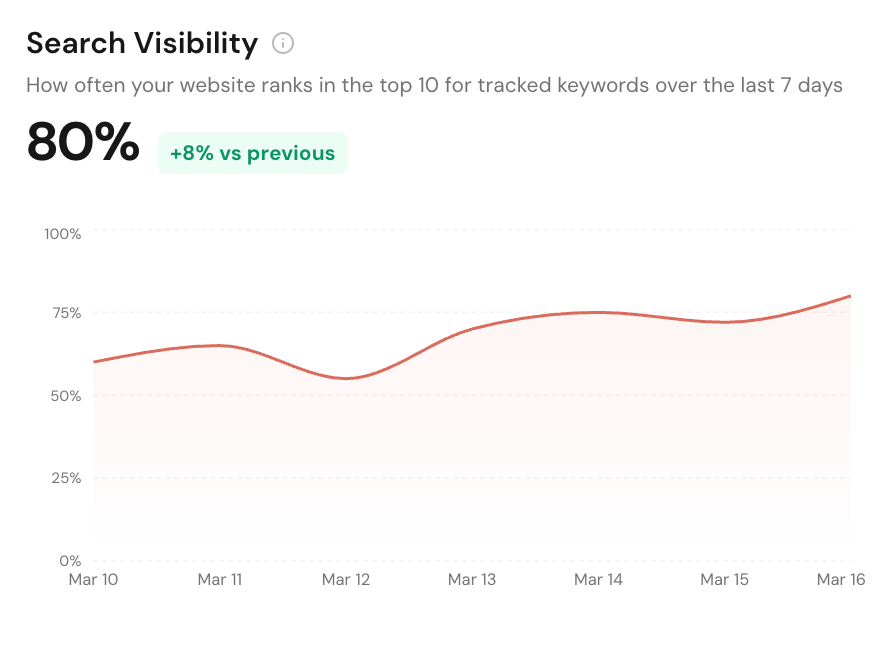
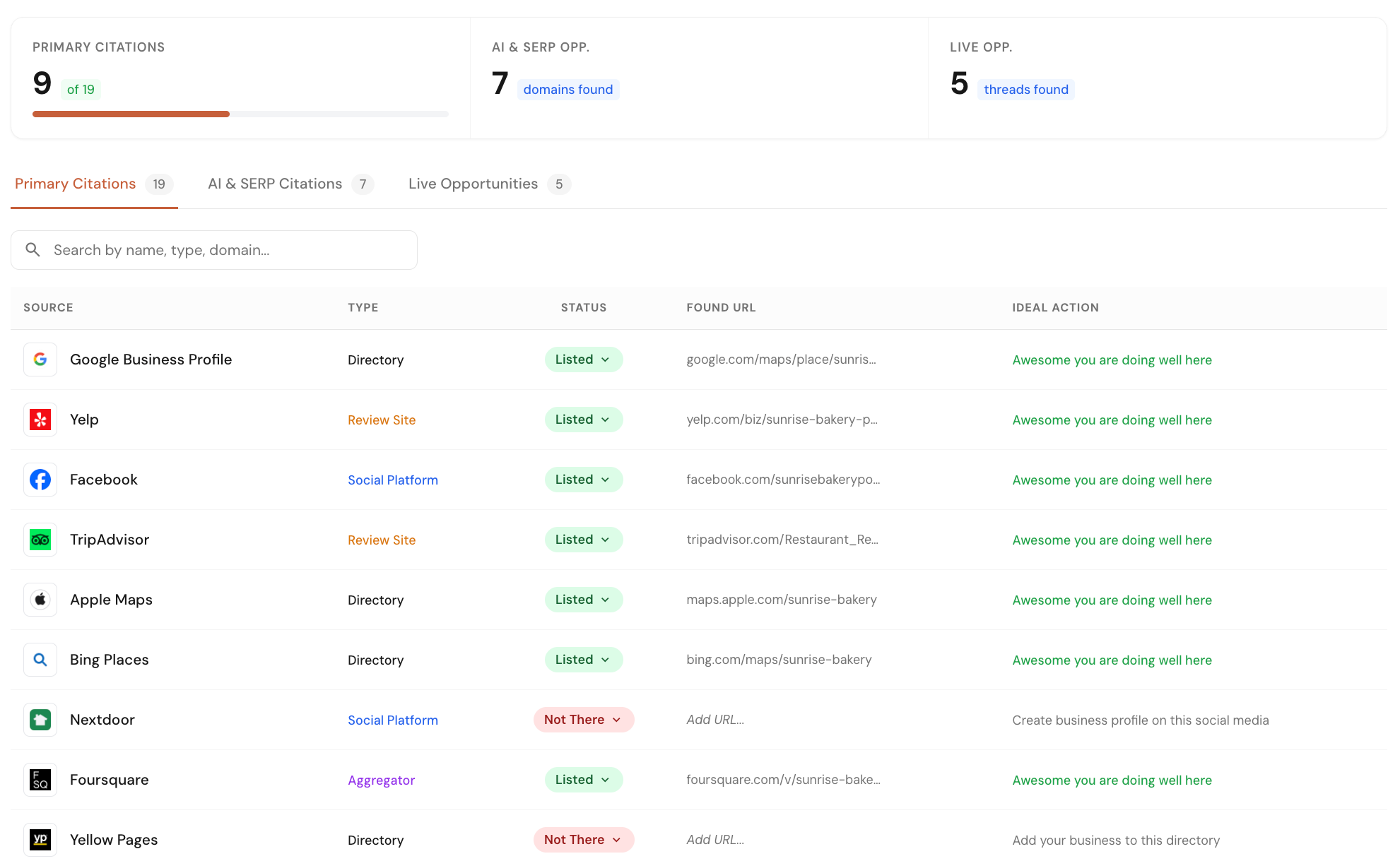
Check your business listings across 40+ core directories and map platforms. Find missed opportunities from listings, forums, and pages where competitors are already getting visibility.
Manage your Google Business Profile directly from Local Glyph. Edit profile details, plan and schedule posts, track post performance, reply to reviews, and monitor profile changes with single-click approvals.
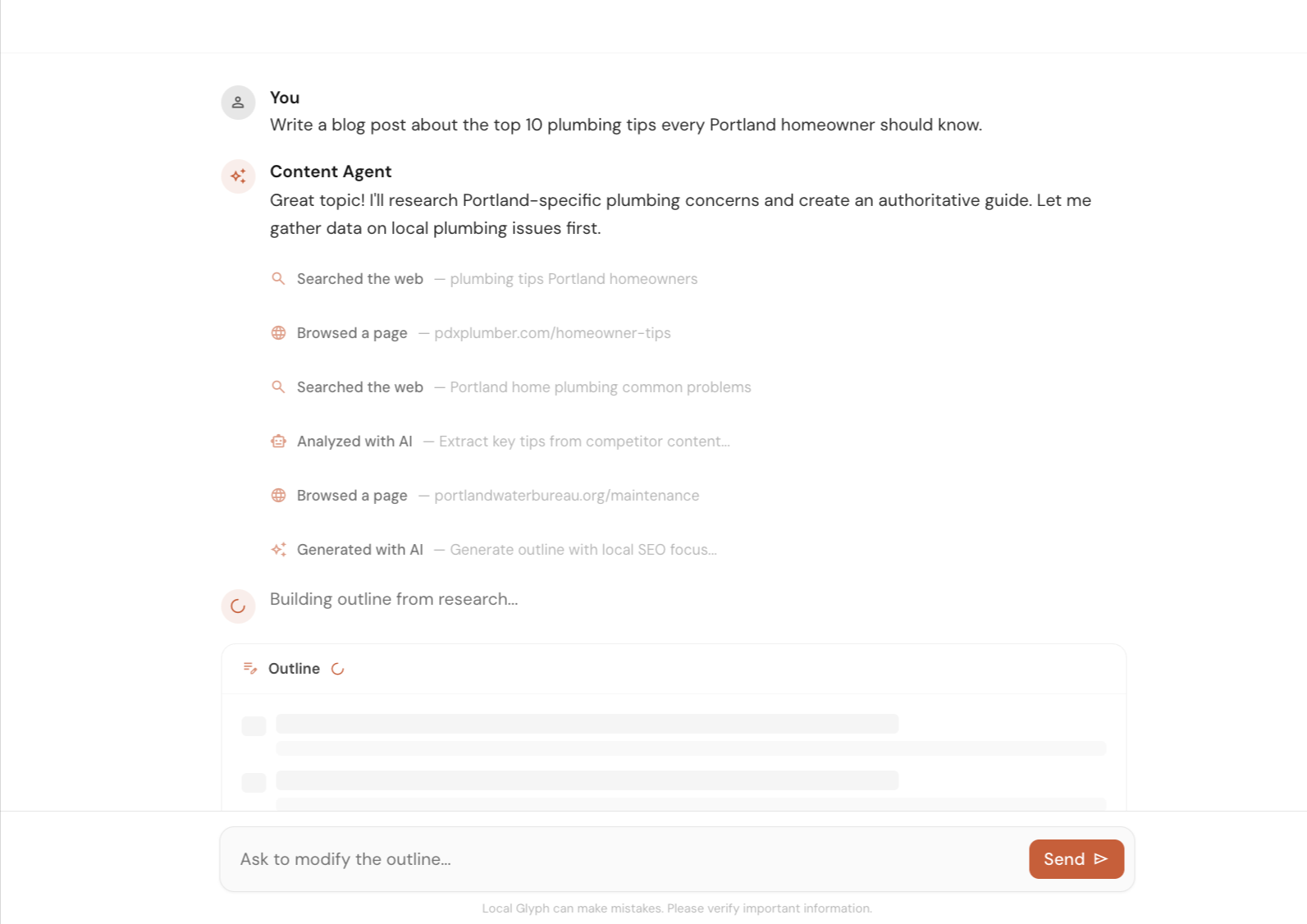
Create local SEO content faster with help on research, outlines, and first drafts. Use it to speed up the work, then let a human review and improve the final version.
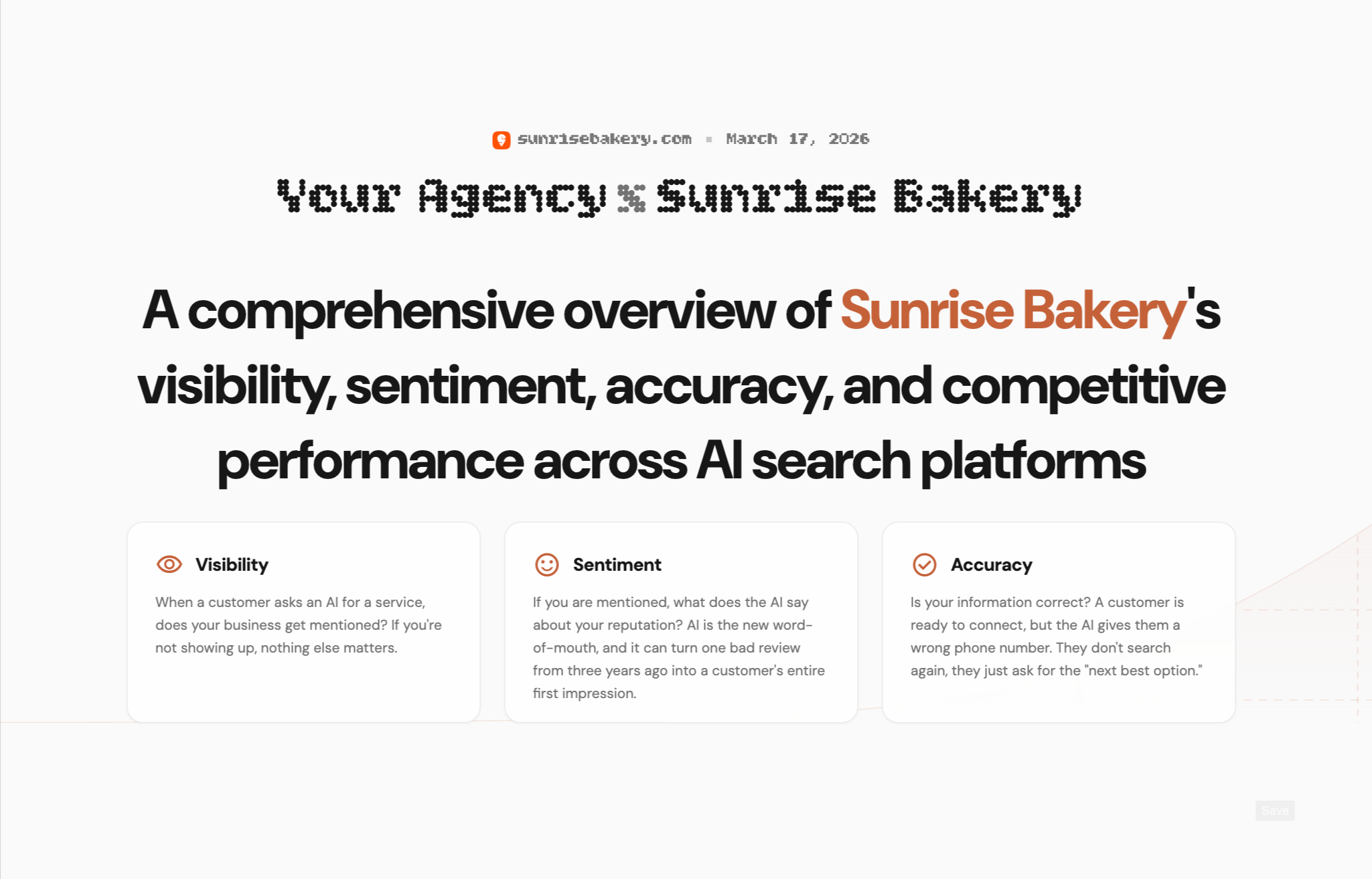
Create client-ready reports for AI Visibility, Map Grid, and SERP Rank. Show where a business stands today, highlight gaps, and clearly explain where you can help improve local search performance.
Early Bird Pricing
Free$0/mo | Starter Pack$45/mo | Popular Growth Pack$175/mo | Pro Pack$500/mo | |
|---|---|---|---|---|
| Credits | 30 one-time | 30 / mo | 120 / mo | 350 / mo |
| AI Visibility scan (3 credits) | ||||
| Map Grid tracking (~0.30 cr per scan) | ||||
| SERP tracking (~0.10 cr per keyword) | ||||
| Content Agent (~0.6–1.3 cr per article) | ||||
| Citation & Mention Finder (no credit cost) | ||||
| GBP Suite (no credit cost) | ||||
| Analytics (no credit cost) | ||||
| Unlimited projects | ||||
| White-label reporting | — | |||
| Credits roll over (1 month) | — | |||
| Get started for free | Get started for free | Get started for free | Get started for free |
FAQs
No. We do not store or access your Google Search Console, GA4, or Google Business Profile data. Like any app you connect to these services, we temporarily hold a Google authentication key to build your dashboard. The moment you revoke access, that key and any associated data are removed.
Read-only. We only request the minimum permissions needed to pull your analytics and search data. We never modify, write, or delete anything on your Google account.
Yes. The dashboard tracks changes made to your Google Business Profile, whether by you, Google, or third parties, so you can see exactly what changed and when.
Yes. Our GBP Suite feature lets you manage and edit your Google Business Profile directly within Local Glyph.
First, everything lives in one platform, so there is no switching between Analytics, Search Console, and GBP. Second, tasks that normally take hours are handled automatically: finding which search queries rank for a page, which pages rank for a specific query, comparing performance periods, and merging data across Analytics and Console. All of it is fetched and presented for you.
Email us at [email protected] or use the chat icon in the bottom-right corner of the screen. We genuinely appreciate your feedback.