01
Profile Info Editing
Edit core profile fields from one screen, including business name, phone number, website, categories, and the other details clients expect to stay accurate.
Manage your Google Business Profile without leaving the tab. Edit info, post updates, reply to reviews, and track every change in one place.
Features
Edit core profile fields from one screen, including business name, phone number, website, categories, and the other details clients expect to stay accurate.
Search Google categories directly inside the editor and manage profile attributes so your listing stays aligned with the services and amenities you actually offer.
Update regular hours, more hours, and special-hour exceptions without bouncing back into Google just to keep holiday schedules and service windows current.
Move the map pin, review the storefront address, and keep location details synced so your listing reflects the right place before rankings or direction requests drift.
Review profile edits detected on Google Business Profile, see when they happened, and decide whether to accept the change or revert it from one timeline.
Keep profile management, content planning, reviews, and change monitoring together so the team is not splitting daily GBP work across separate tools and tabs.
Maintain service items and related details in the same workspace so important offerings are visible on the profile instead of getting buried or forgotten.
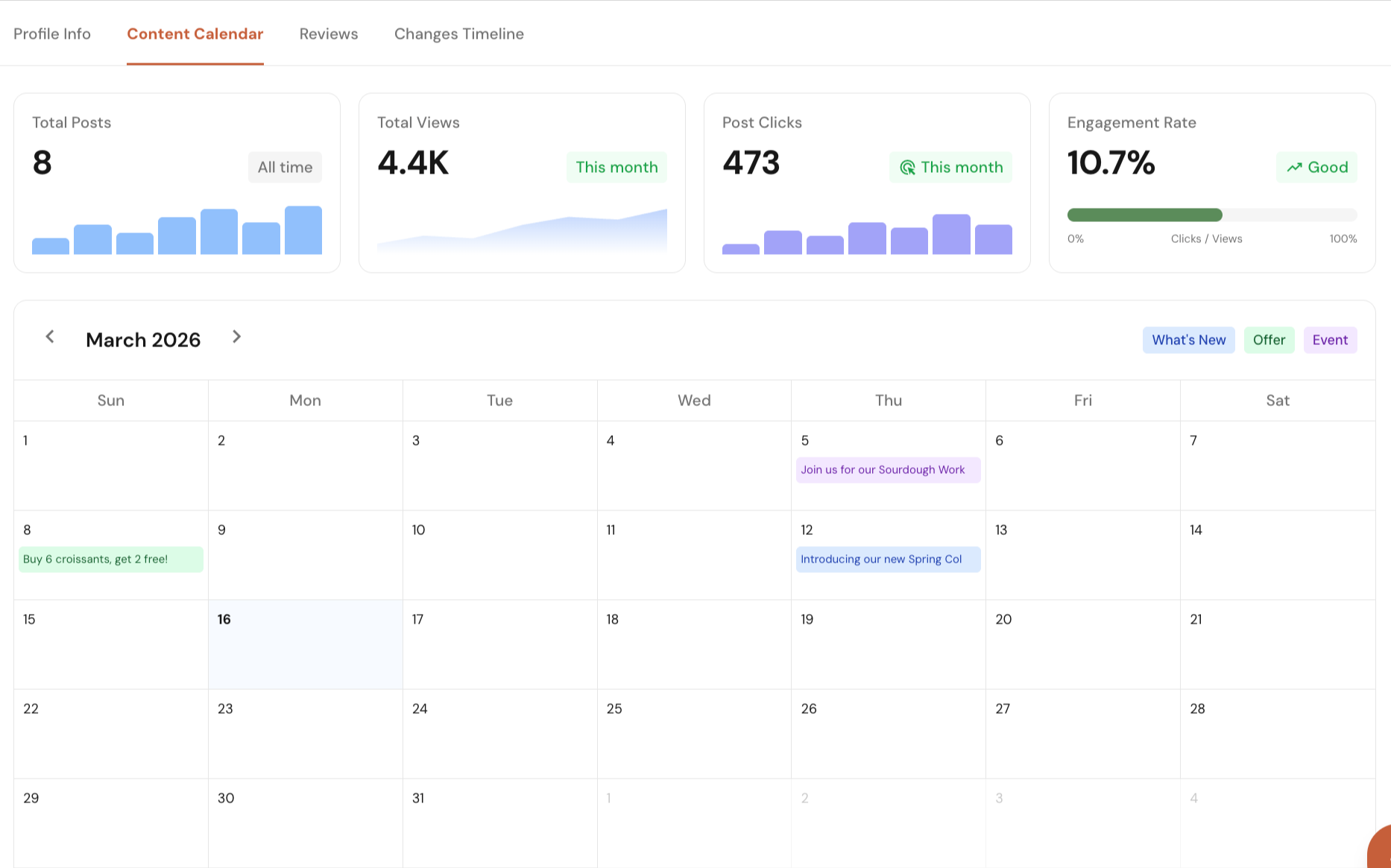
Create Google Business Profile posts with media, CTA links, and post types like What's New, Offer, or Event, then publish now or schedule ahead.
See total reviews, average rating, unreplied reviews, and recent review velocity in one place so teams can work the review backlog without guessing what matters first.
Open any review, draft a reply, and post it back to Google Business Profile directly from the dashboard instead of managing responses in a separate interface.
See total posts, average posts per month, and days since the last update with a Fresh, Aging, or Stale signal so you can spot at a glance whether publishing pace is holding the profile back.
Give teams a cleaner approval loop for profile changes and live edits so surprise listing changes do not slip through unnoticed and hurt local lead flow.
Platform Features
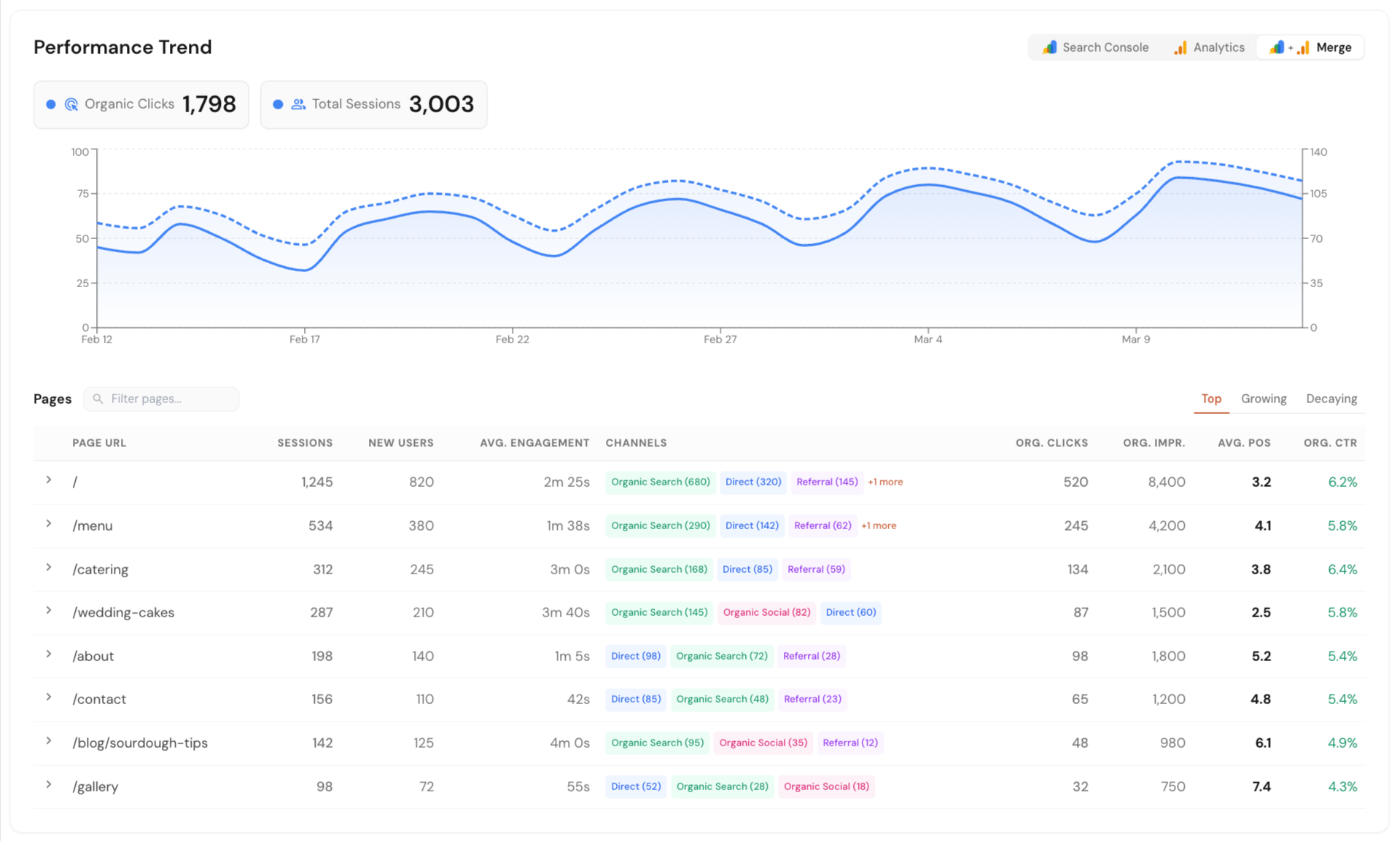
Connect Google Search Console, Google Analytics, and Google Business Profile in one dashboard. See local SEO data in one place without jumping between tools or reports.
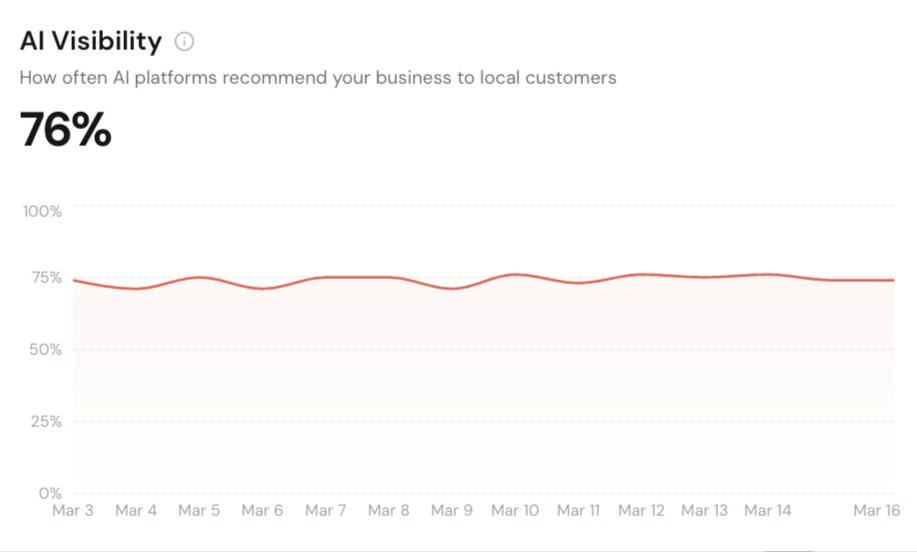
Track how your business shows up across Google AI Overview, ChatGPT, and Perplexity. Run scans on your schedule or only when needed.
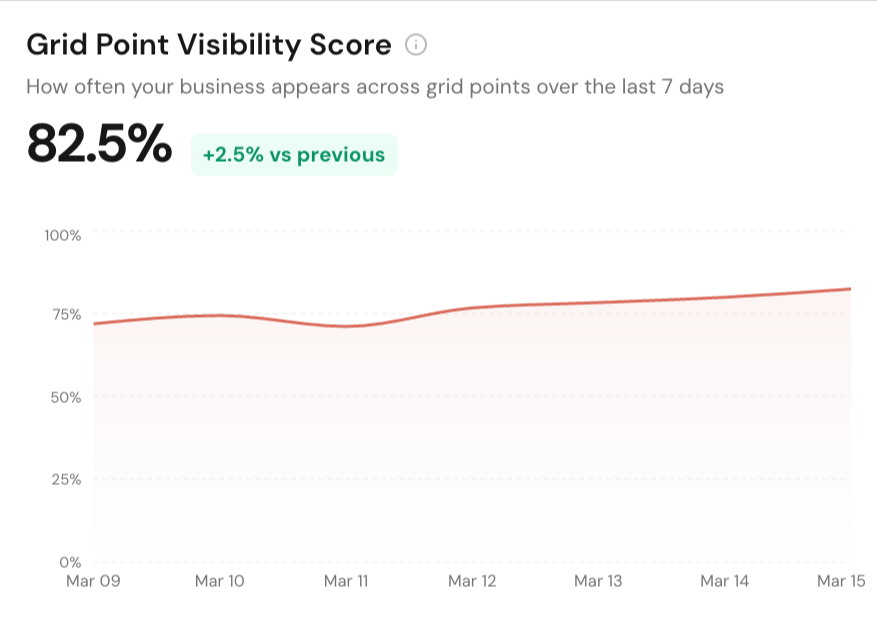
See how your business ranks across different points in a local area. Get clear map ranking snapshots with simple reports you can export and share.
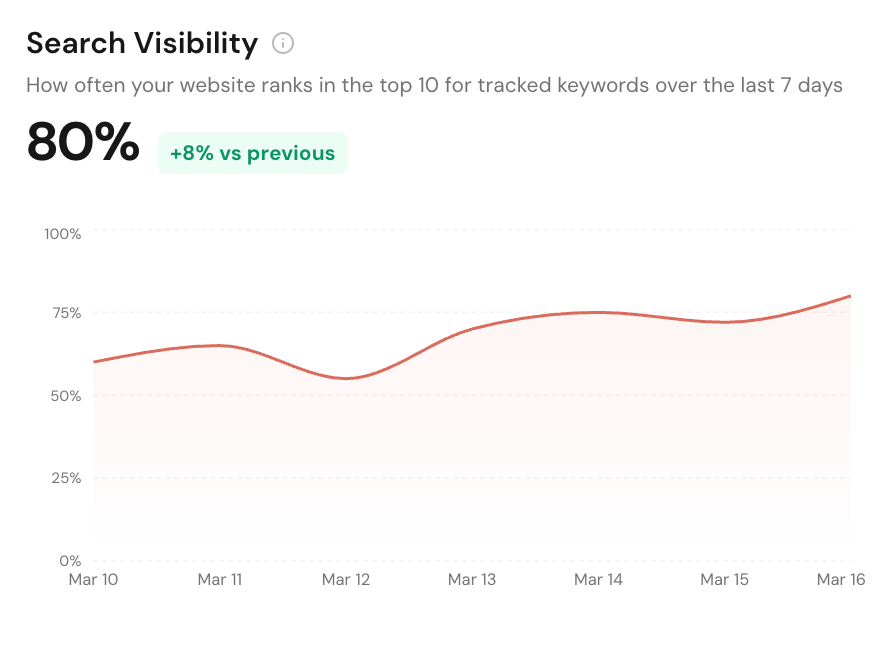
Track local service pages, blog posts, and keywords in Google Search. Monitor rankings, matched URLs, and competing domains from one dashboard.
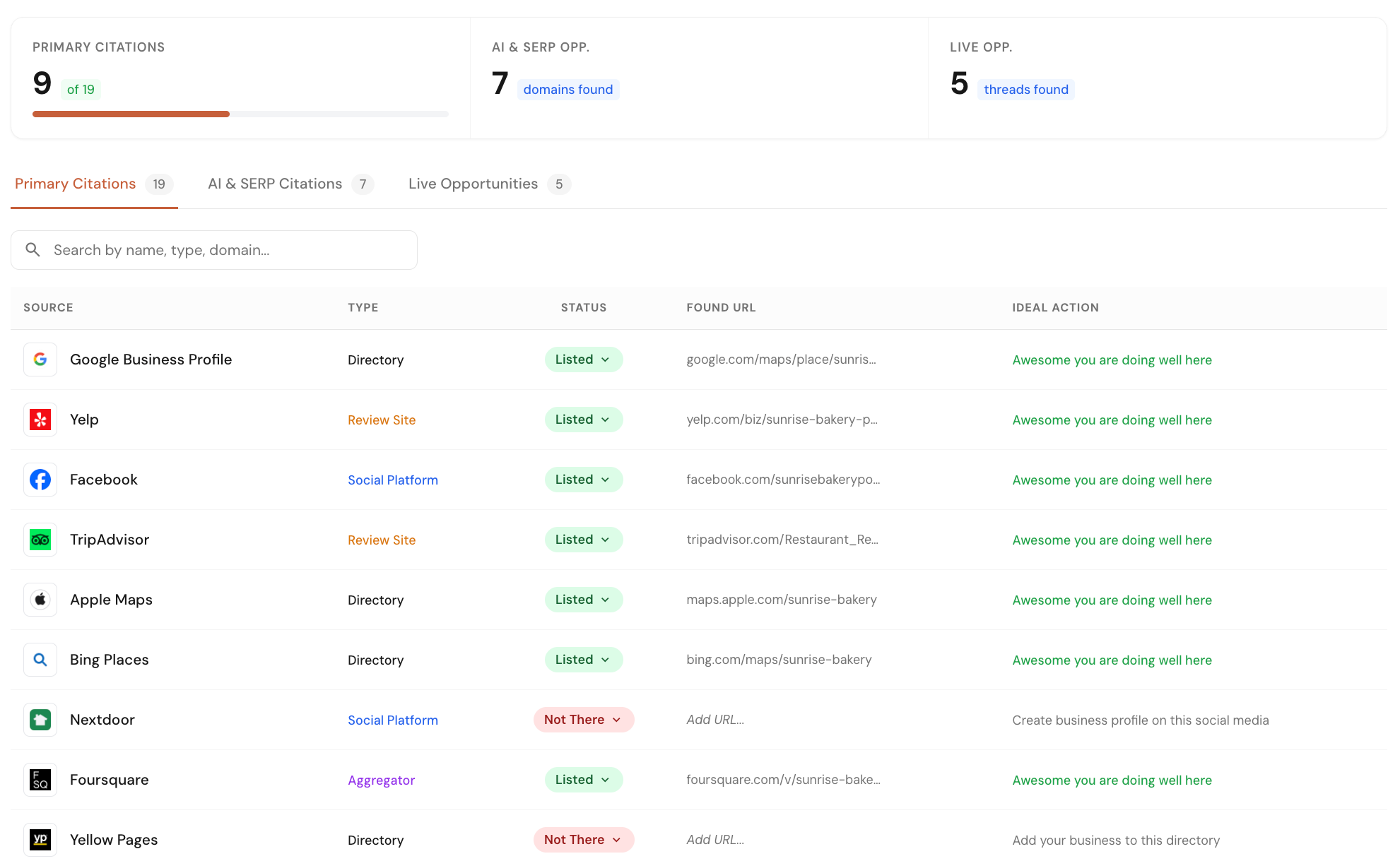
Check your business listings across 40+ core directories and map platforms. Find missed opportunities from listings, forums, and pages where competitors are already getting visibility.
Manage your Google Business Profile directly from Local Glyph. Edit profile details, plan and schedule posts, track post performance, reply to reviews, and monitor profile changes with single-click approvals.
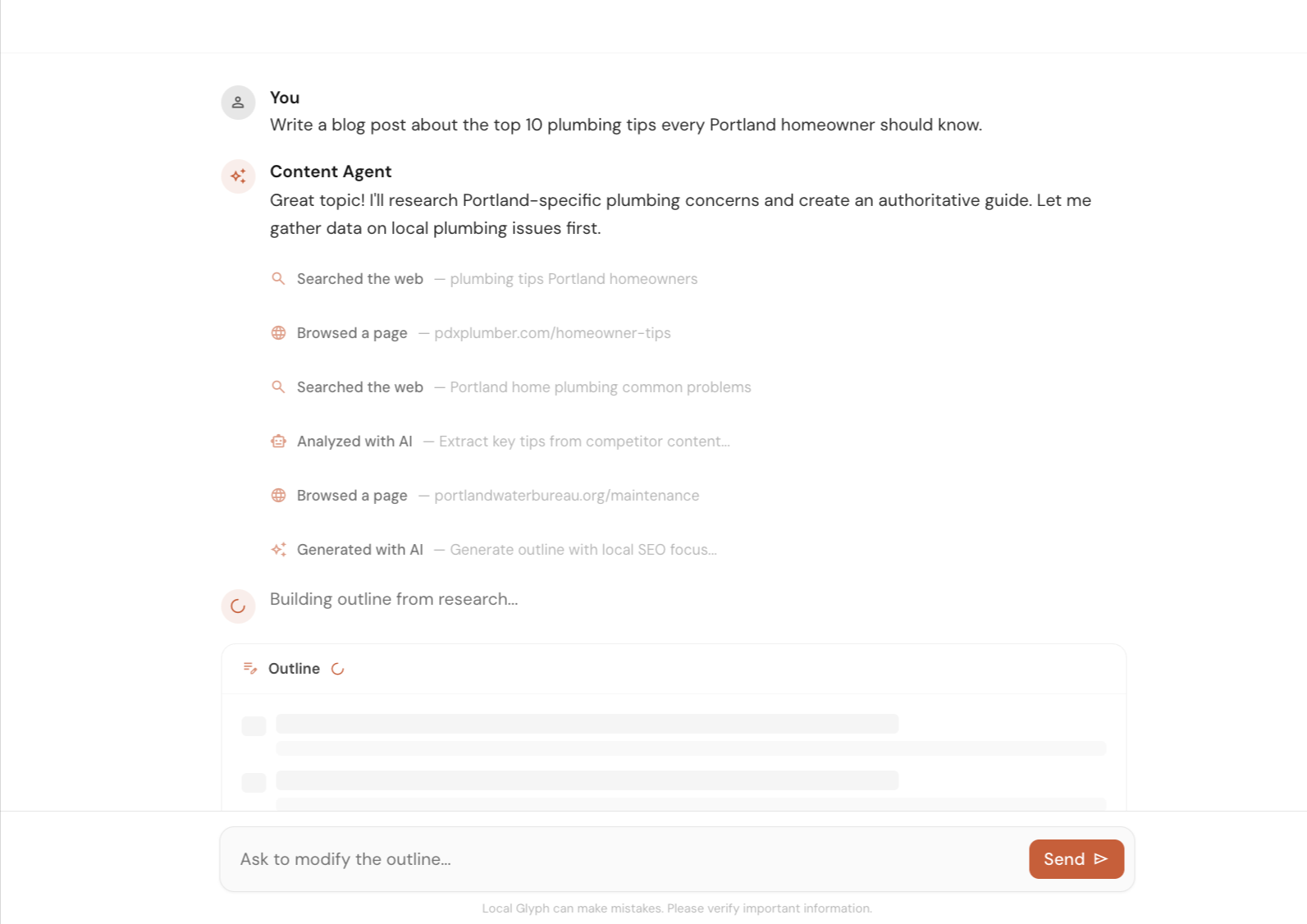
Create local SEO content faster with help on research, outlines, and first drafts. Use it to speed up the work, then let a human review and improve the final version.
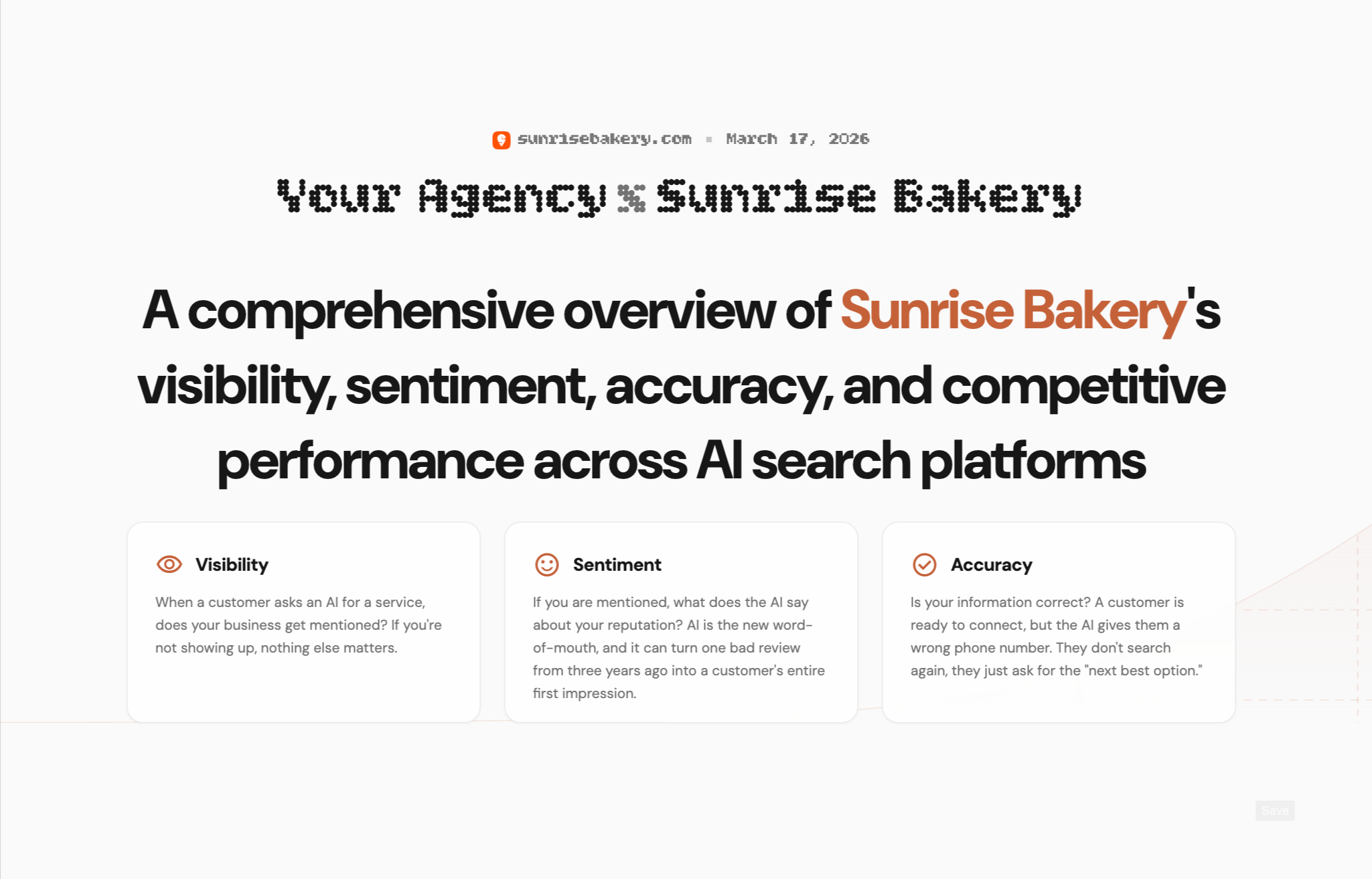
Create client-ready reports for AI Visibility, Map Grid, and SERP Rank. Show where a business stands today, highlight gaps, and clearly explain where you can help improve local search performance.
Early Bird Pricing
Free$0/mo | Starter Pack$45/mo | Popular Growth Pack$175/mo | Pro Pack$500/mo | |
|---|---|---|---|---|
| Credits | 30 one-time | 30 / mo | 120 / mo | 350 / mo |
| AI Visibility scan (3 credits) | ||||
| Map Grid tracking (~0.30 cr per scan) | ||||
| SERP tracking (0.02 cr per keyword) | ||||
| Content Agent (~0.6–1.3 cr per article) | ||||
| Citation & Mention Finder (no credit cost) | ||||
| GBP Suite (no credit cost) | ||||
| Analytics (no credit cost) | ||||
| Unlimited projects | ||||
| White-label reporting | — | |||
| Credits roll over (1 month) | — | |||
| Get started for free | Get started for free | Get started for free | Get started for free |
FAQs
You can manage profile details, categories, attributes, hours, service items, local posts, customer reviews, and detected profile changes from one Local Glyph workspace.
Yes. The content calendar supports drafting and scheduling GBP posts, and it also supports publishing posts directly when you are ready to send them live.
Yes. The reviews tab lets you open individual reviews, write a response, and post that reply back to Google Business Profile from the app.
Yes. Local Glyph keeps a changes timeline for your profile so you can see what changed, when it was detected, and whether the update is still pending, accepted, or rejected.
Yes. The profile editor supports categories, attributes, regular and special hours, address data, and service-related fields so you can manage the operational parts of GBP from one place.
No. GBP Suite is included in Local Glyph plans and does not consume credits the way scan-based workflows like AI Visibility, Map Grid, or SERP tracking do.