01
Content & Brand Settings
Save writing tone, target audience, value proposition, credentials, CTA details, and target neighborhoods so every session starts with business context already in place.
Draft local SEO content without starting from scratch. Build outlines, generate first drafts, edit in chat, and export ready-to-be-edited copy for your editing team.
Features
Save writing tone, target audience, value proposition, credentials, CTA details, and target neighborhoods so every session starts with business context already in place.
Start a new draft as a service page or local blog post so the content type is clear from the first prompt instead of buried in a generic chat flow.
Describe the content you want to create in plain language, launch a new session, and keep the draft tied to the right project workspace.
The agent moves from session start into research and outline generation so teams can begin with structure first instead of jumping straight to an unreviewed draft.
Review the generated outline, add sections manually, and adjust headings before content generation so the final draft follows the structure you actually want.
Ask the agent to modify the outline through chat and keep versioned outline updates visible in the session history instead of losing the earlier structure.
Generate the full article only after the outline is ready, which keeps the workflow deliberate and makes it easier to catch structural issues early.
Keep messages, outline, session status, and final content inside one interface so the content workflow feels like a single tool instead of separate disconnected screens.
Continue editing after content is generated by asking for changes in chat and tracking updated content versions as the draft evolves.
See whether a session is started, researching, outline ready, generating, or completed, with clear badges for service pages and blog posts in the workspace header.
Copy finished drafts in the format your team needs, whether that means pasting into a CMS, a markdown workflow, or a plain-text review process.
Made for editor-led teams. We remind reviewers to check outlines and drafts before publishing, and any section can be edited directly inside the chat.
Platform Features
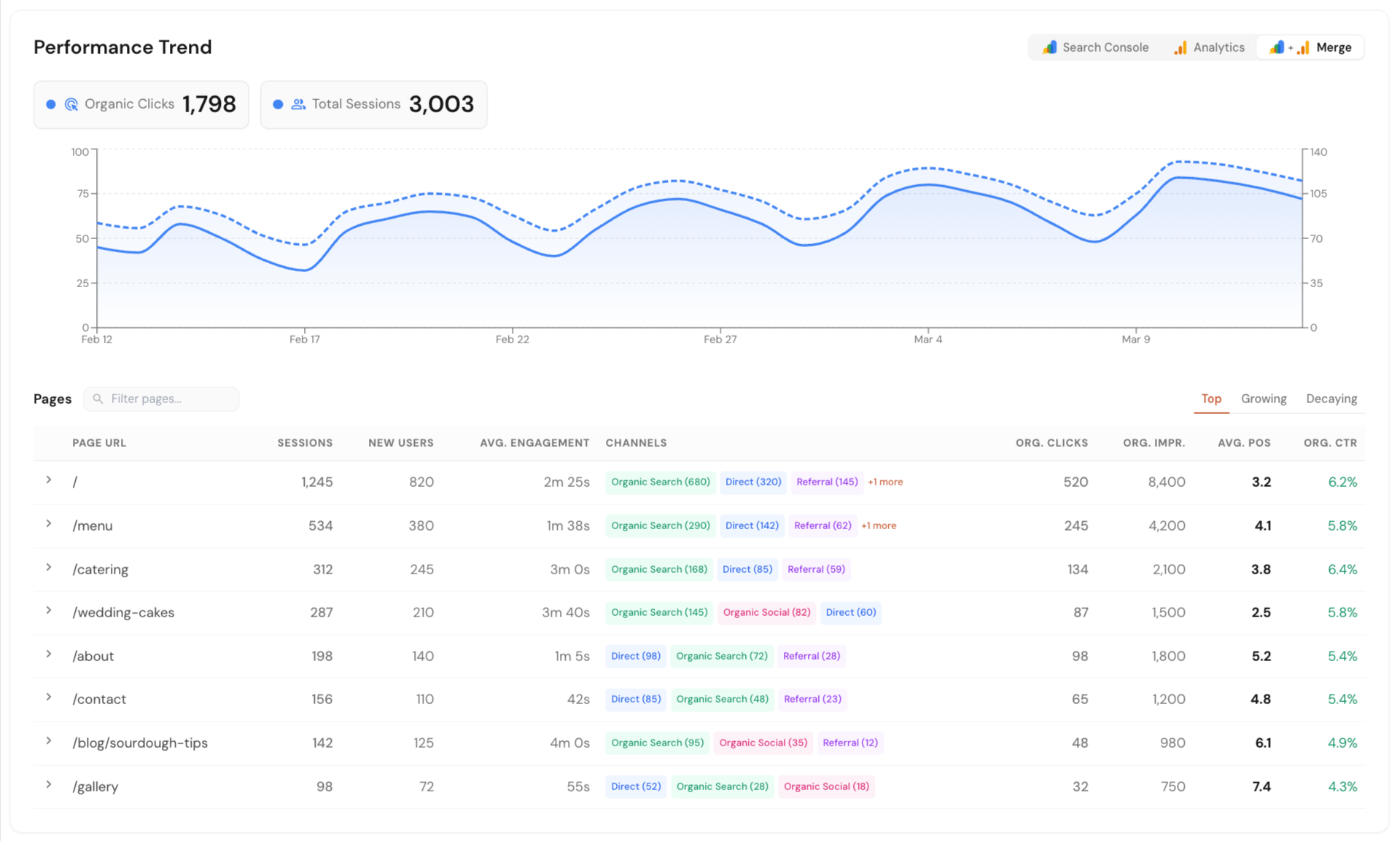
Connect Google Search Console, Google Analytics, and Google Business Profile in one dashboard. See local SEO data in one place without jumping between tools or reports.
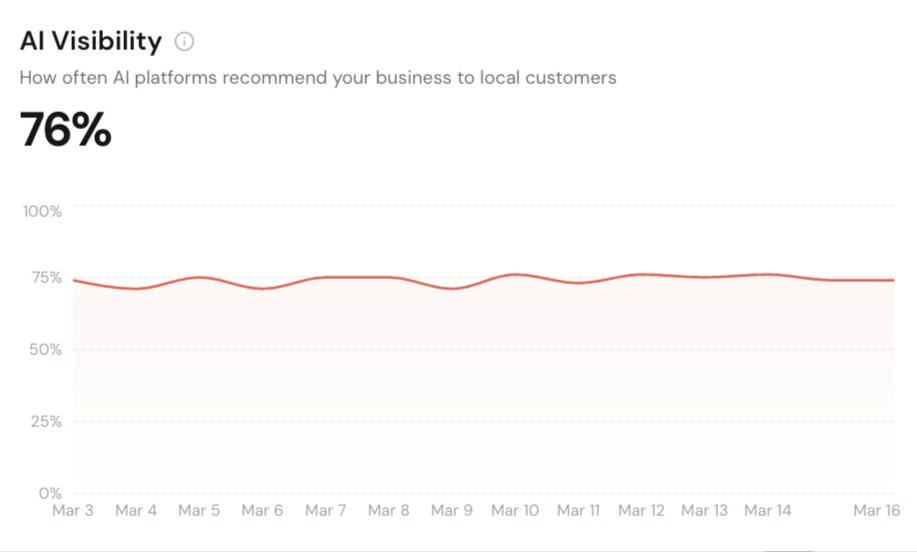
Track how your business shows up across Google AI Overview, ChatGPT, and Perplexity. Run scans on your schedule or only when needed.
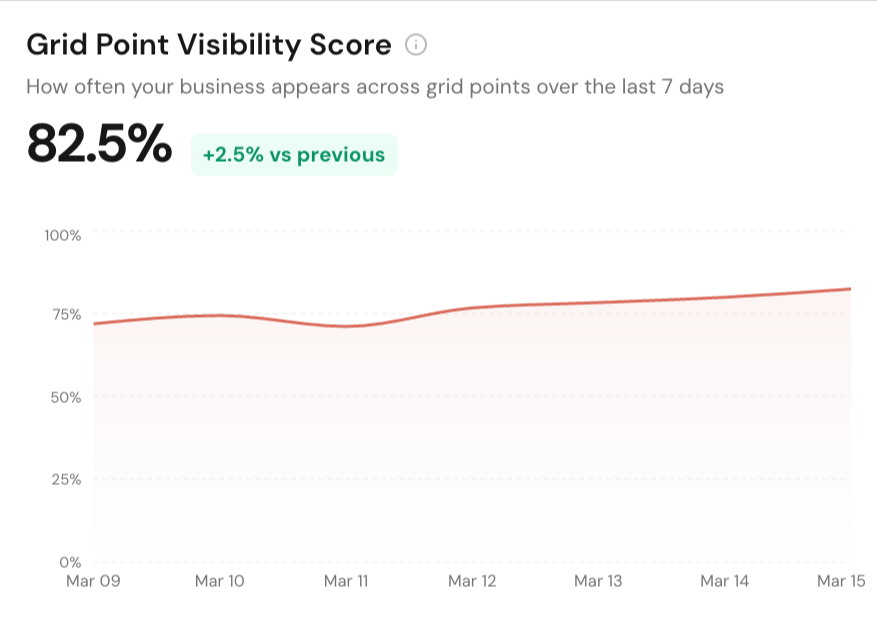
See how your business ranks across different points in a local area. Get clear map ranking snapshots with simple reports you can export and share.
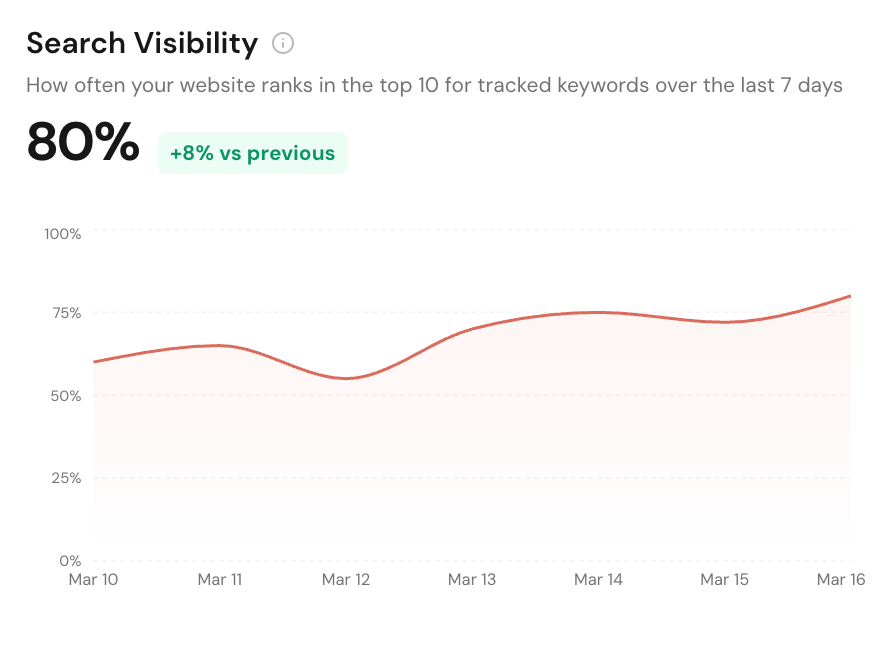
Track local service pages, blog posts, and keywords in Google Search. Monitor rankings, matched URLs, and competing domains from one dashboard.
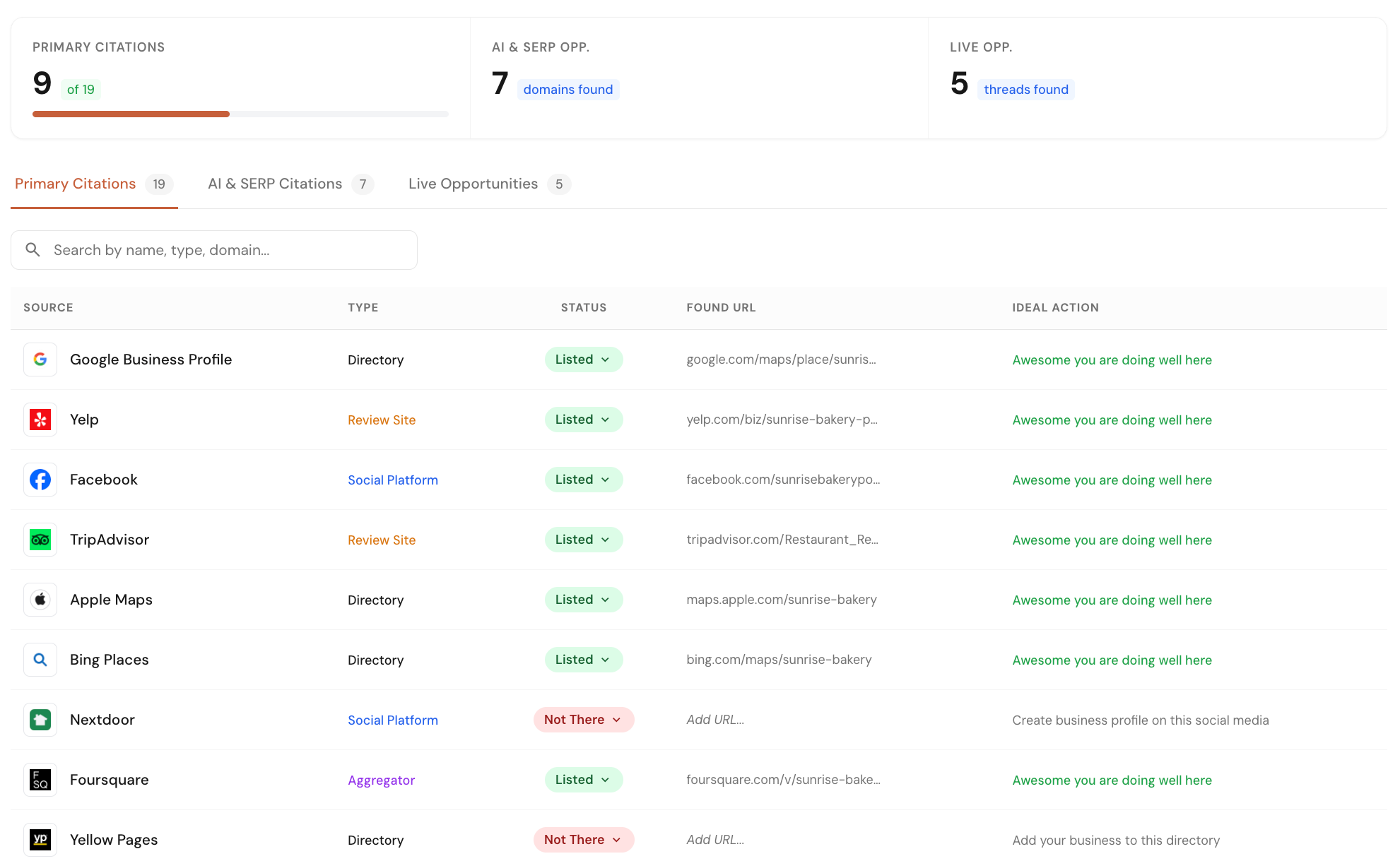
Check your business listings across 40+ core directories and map platforms. Find missed opportunities from listings, forums, and pages where competitors are already getting visibility.
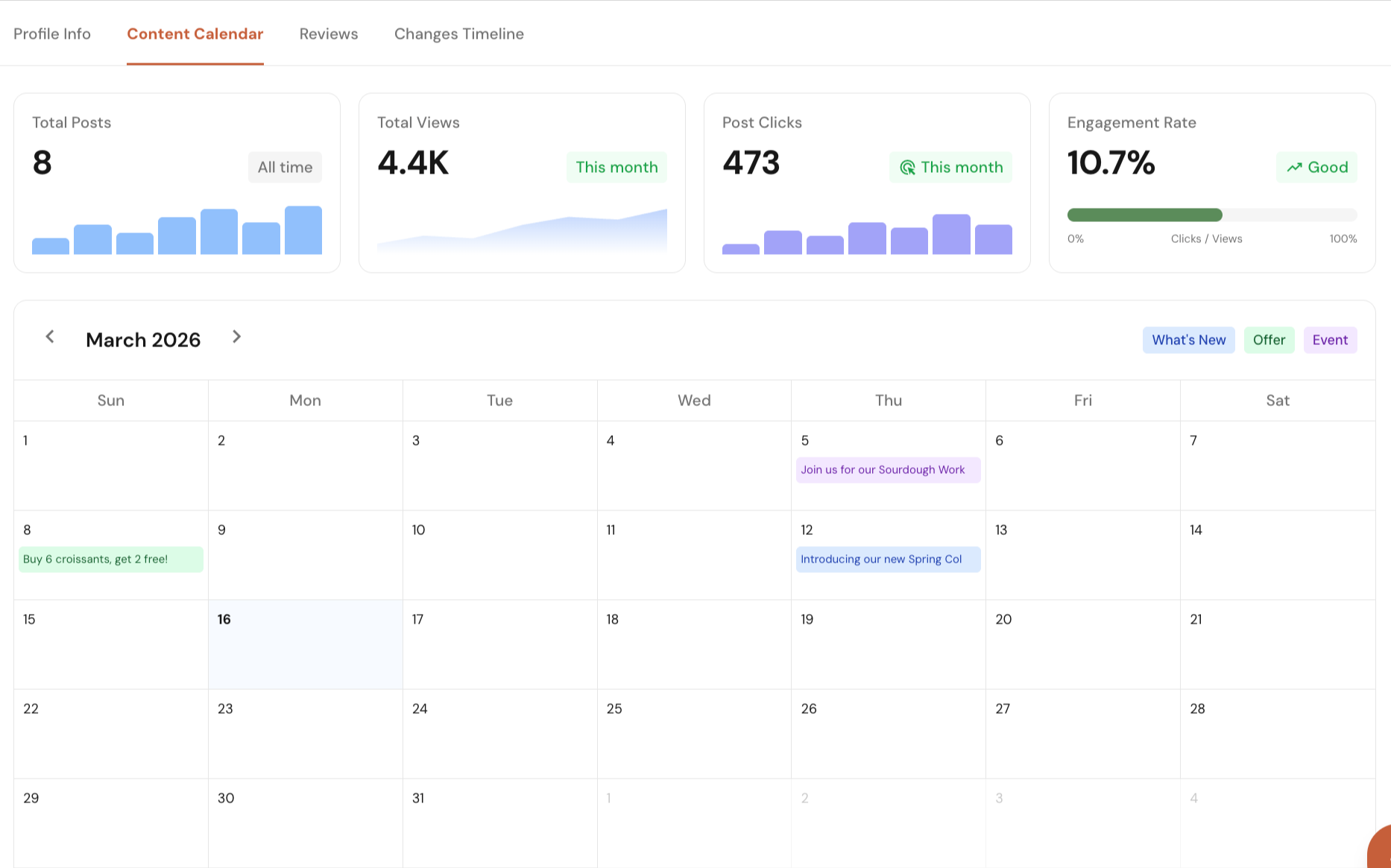
Manage your Google Business Profile directly from Local Glyph. Edit profile details, plan and schedule posts, track post performance, reply to reviews, and monitor profile changes with single-click approvals.
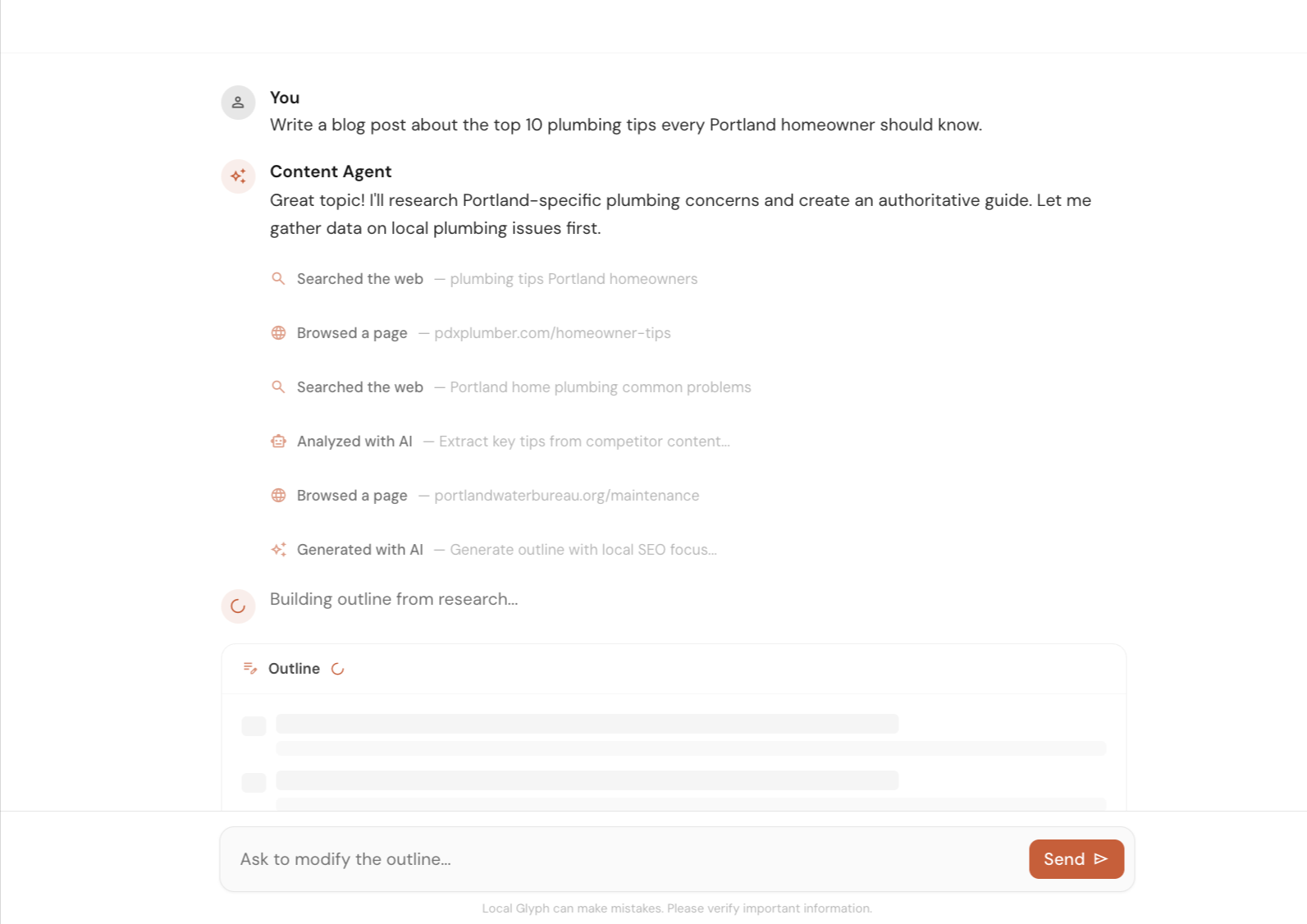
Create local SEO content faster with help on research, outlines, and first drafts. Use it to speed up the work, then let a human review and improve the final version.
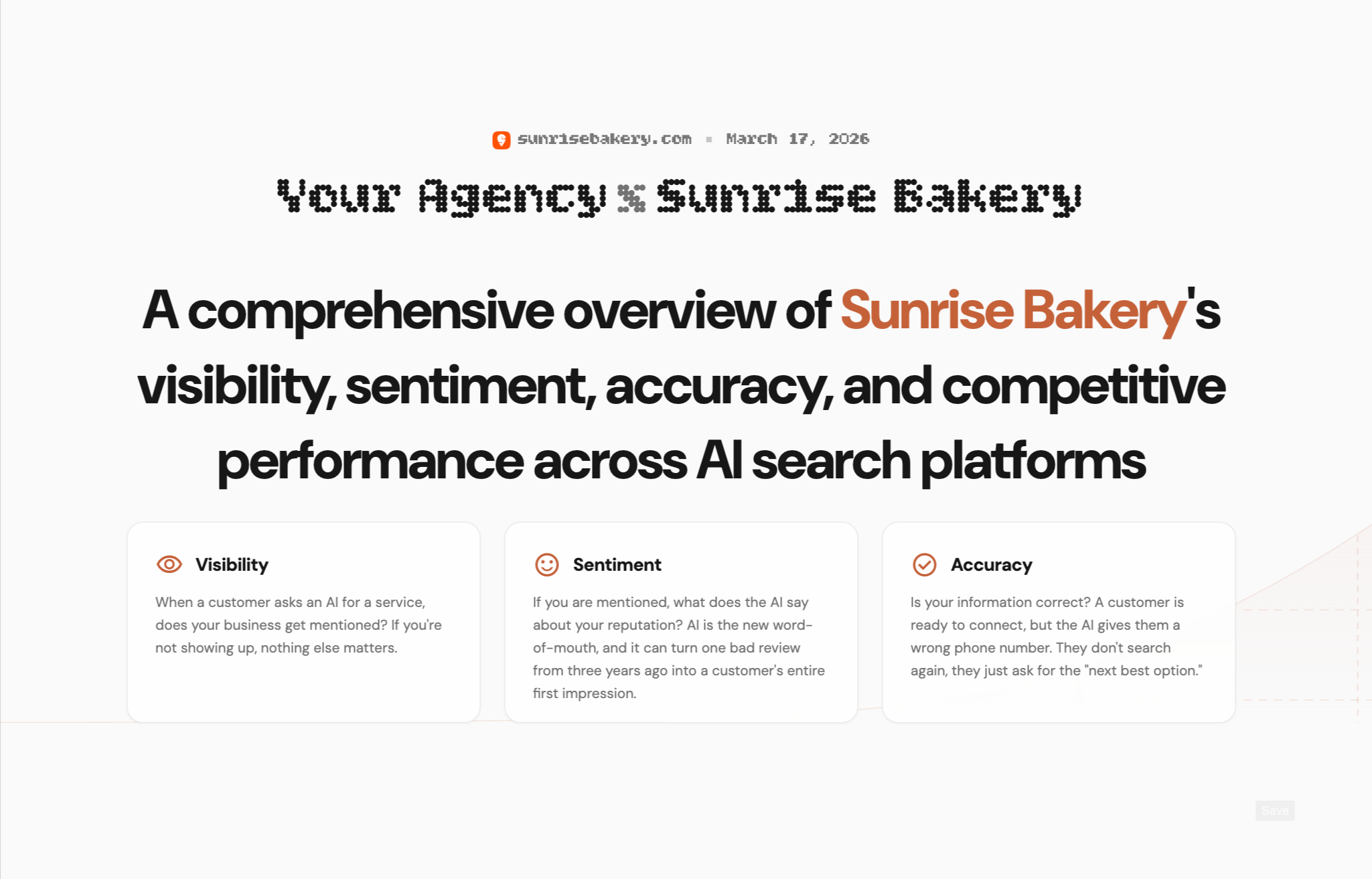
Create client-ready reports for AI Visibility, Map Grid, and SERP Rank. Show where a business stands today, highlight gaps, and clearly explain where you can help improve local search performance.
Early Bird Pricing
Free$0/mo | Starter Pack$45/mo | Popular Growth Pack$175/mo | Pro Pack$500/mo | |
|---|---|---|---|---|
| Credits | 30 one-time | 30 / mo | 120 / mo | 350 / mo |
| AI Visibility scan (3 credits) | ||||
| Map Grid tracking (~0.30 cr per scan) | ||||
| SERP tracking (0.02 cr per keyword) | ||||
| Content Agent (~0.6–1.3 cr per article) | ||||
| Citation & Mention Finder (no credit cost) | ||||
| GBP Suite (no credit cost) | ||||
| Analytics (no credit cost) | ||||
| Unlimited projects | ||||
| White-label reporting | — | |||
| Credits roll over (1 month) | — | |||
| Get started for free | Get started for free | Get started for free | Get started for free |
FAQs
It is built for local SEO content workflows, especially service pages and local blog posts. The workspace labels each session by content type so teams can keep those workflows separate.
You start with a prompt, the agent researches and builds an outline, you review or edit that outline, and then you generate the full draft. After that, you can continue asking for changes in chat.
Yes. The Content & Brand settings let you store writing tone, target audience, value proposition, credentials, CTA information, and target neighborhoods at the project level.
Yes. Local Glyph includes an outline editor so you can adjust sections before content generation. That keeps the article structure reviewable before a full draft is created.
Yes. Once content is ready, you can continue the session, request revisions, and work through updated draft versions in the same interface.
Completed drafts can be copied as HTML, Markdown, or plain text, which makes it easier to move content into a CMS, a docs workflow, or an editorial review step.
No. The product explicitly reminds users that AI can make mistakes and important information should be verified before publishing. It is designed to speed up first drafts, not replace editorial review.
Email us at [email protected] or use the chat icon in the bottom-right corner of the screen. We genuinely appreciate your feedback.